Equip every rep to crush quota
Give every rep a go-to-market engineer in their pocket. Unify lets your reps prospect, research, and engage from a single agentic chat, so they spend more time selling and less time sourcing. Backed by the OpenAI Startup Fund, Unify is outbound AI built on frontier models.

One platform for outbound
19%
higher output per rep
after bringing on Unify
Based on aggregated data across Unify customers.
40+
signal & data sources
out of the box
100,000+
monthly email sends managed
for our highest-volume customers
Based on Unify's customer data.

Unify has transformed our outbound motion. Our reps can identify the right accounts and sequence them all in one place, helping us unlock millions in pipeline.”

Jay Meyers
Business Development Manager, Spellbook


Agentic Prospecting
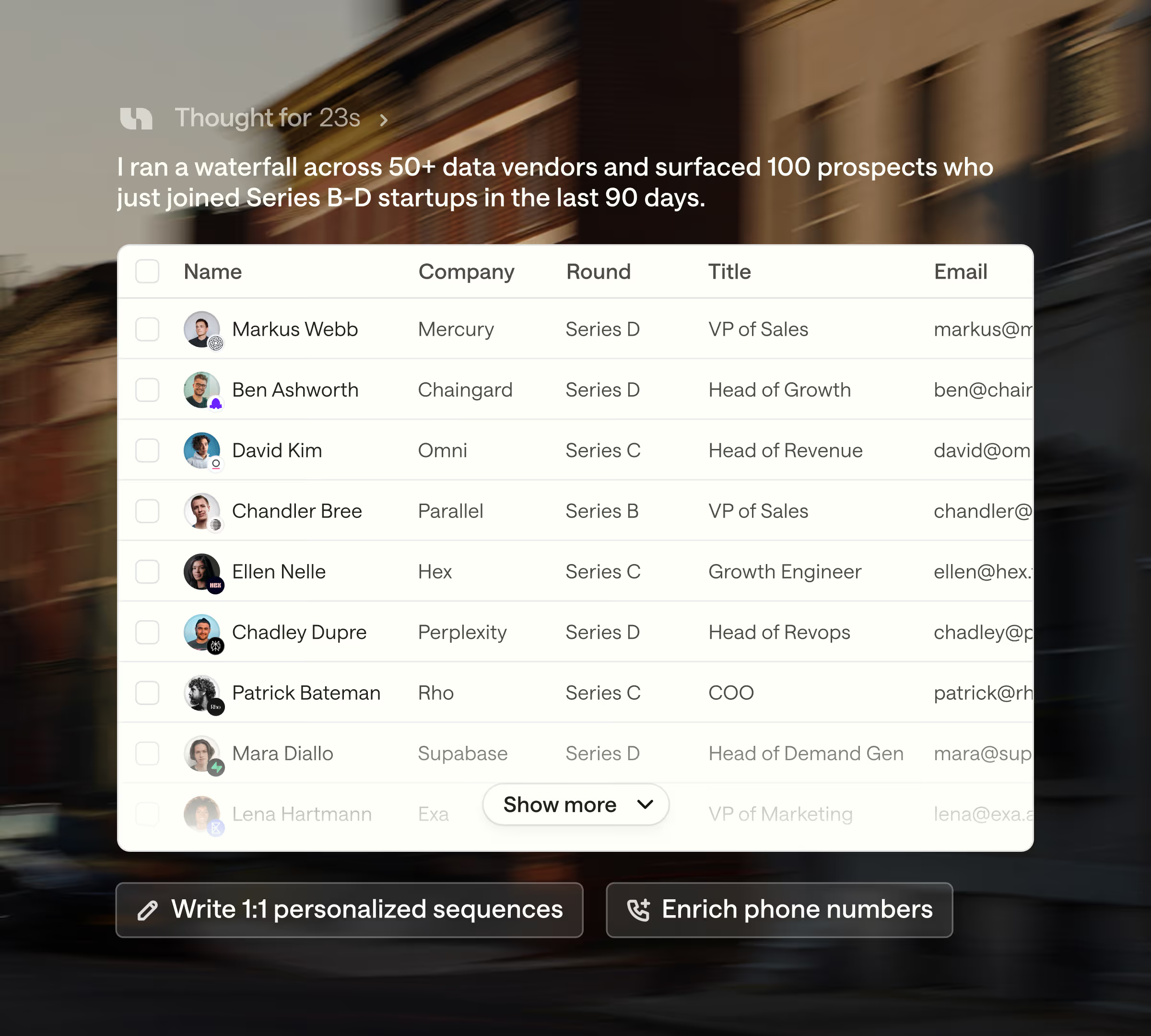
Run outbound based on 40+ world-class data sources
Access world-class data via a single chat. Website visits, product usage, job changes, and CRM data surface who's actually in-market right now, while deep contact and enrichment data ensure you can find the right people and actually reach them.

Trained On Your Data
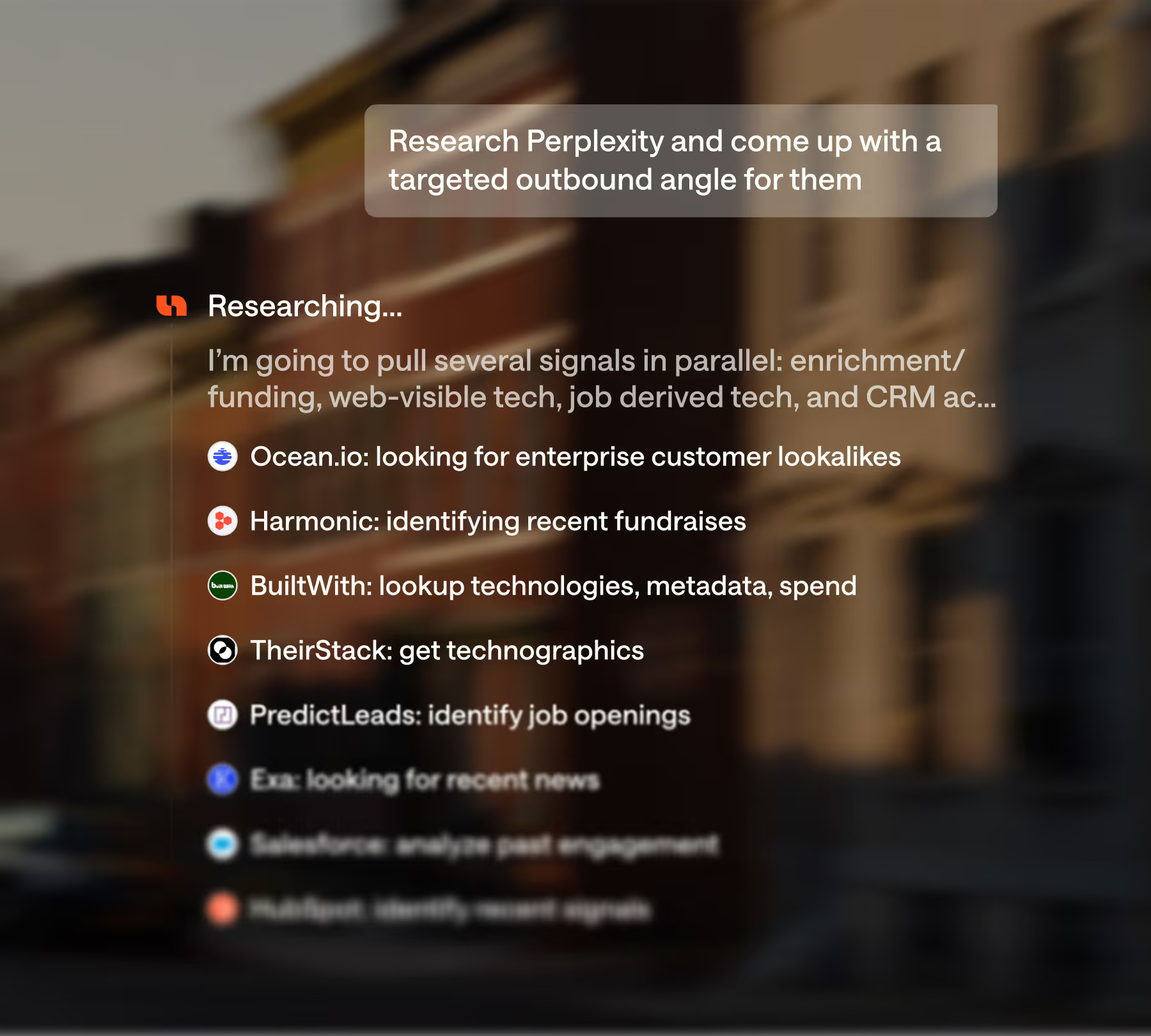
Agents prescribe best practices
Unify learns about your style, your business, your industry and identifies new strategies for your reps to act on. Reduce ramp time and close the gap between your top performers and the rest of the pack.

Managed Deliverability
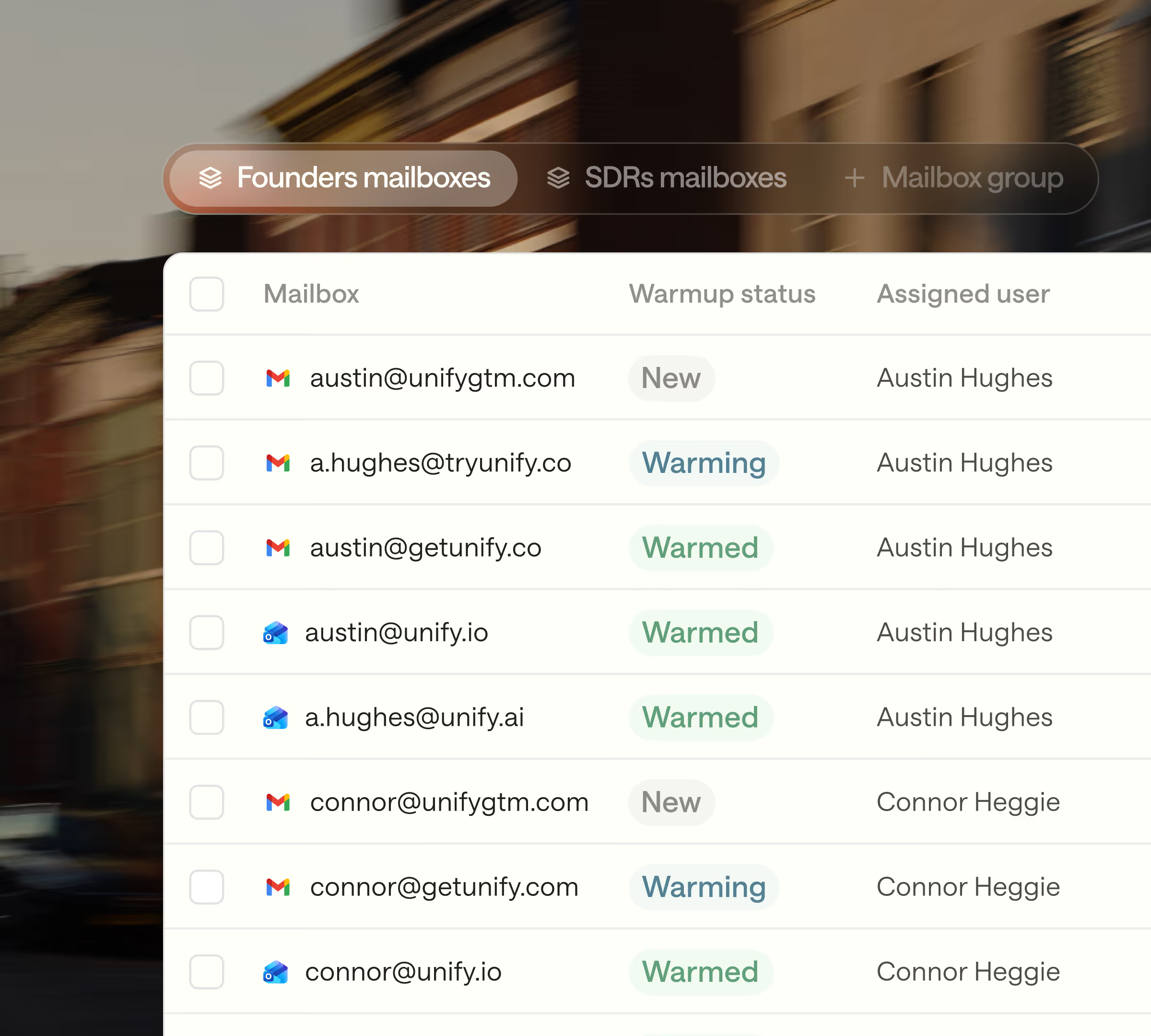
Email deliverability, managed for you
Unify provisions and configures new mailboxes on your behalf with proper DNS, authentication, domain setup and warm-up schedules. You request capacity and we handle the rest.

Reporting & Analytics
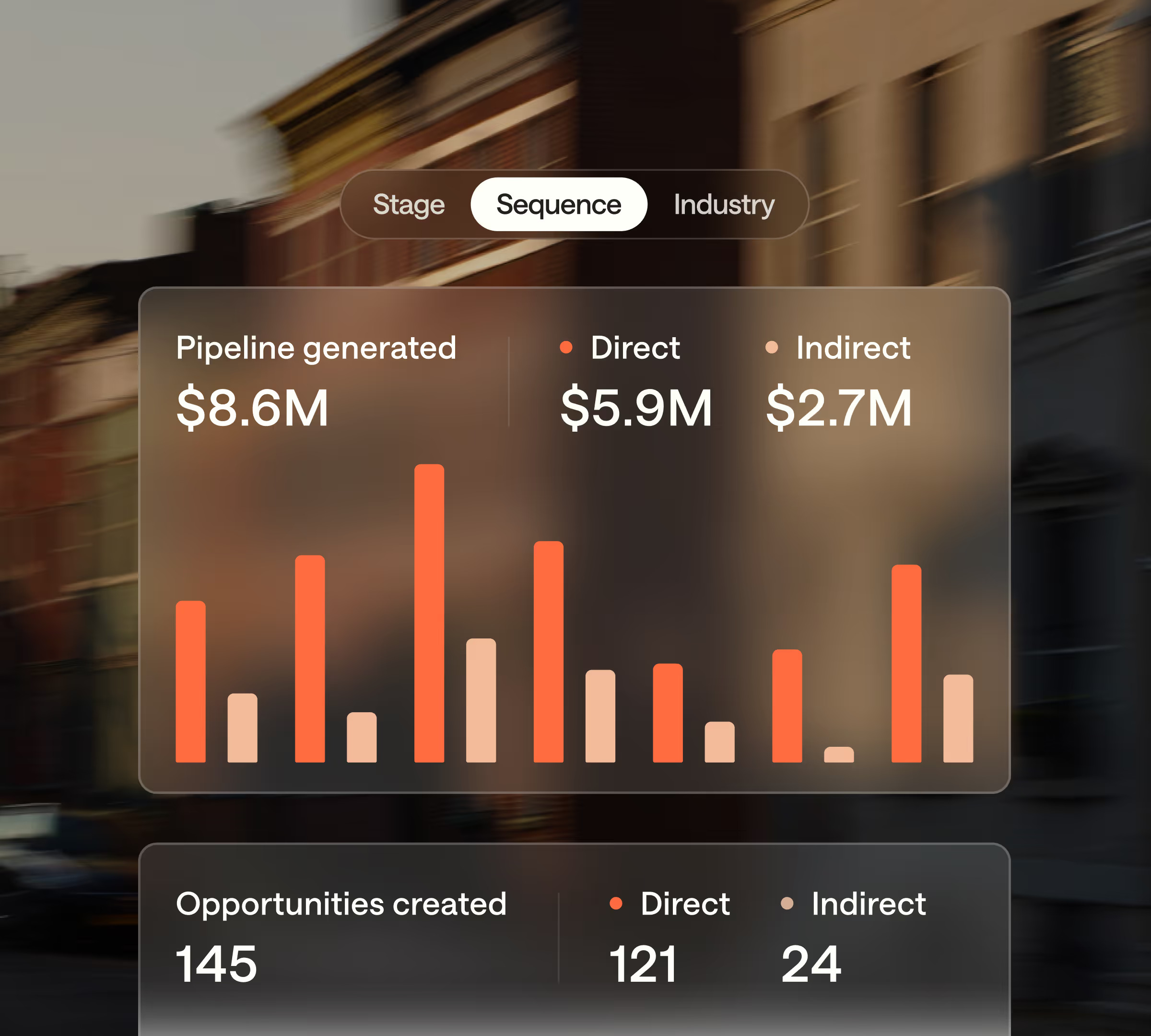
Double down on what's working
See rep activity, sequence performance, and pipeline attribution in one dashboard. Know which reps are ramping, which plays are converting, and where to invest next.

The most innovative sales teams are winning with Unify

Unify has transformed our outbound motion. Our reps can identify the right accounts and sequence them all in one place, helping us unlock millions in pipeline.”

In January alone, our team has been able to attribute nearly $3M in pipeline to Unify, and we're still just scratching the surface of what we could be doing.”


Unify gets us in front of multibillion-dollar companies when they're most likely to convert. After just one month, we’re generating millions in pipeline and are on track for our best year yet.”