What's new at Unify
Unify's Next Chapter
Today, we're reintroducing Unify as Claude for Outbound Sellers. AEs and SDRs get the power of a GTM engineer at their fingertips. Now, your reps can build lists from 40+ data sources, enrich contacts from 1.1B+ contacts, and craft 1:1 sequences in your voice, all from a series of prompts.
.avif)

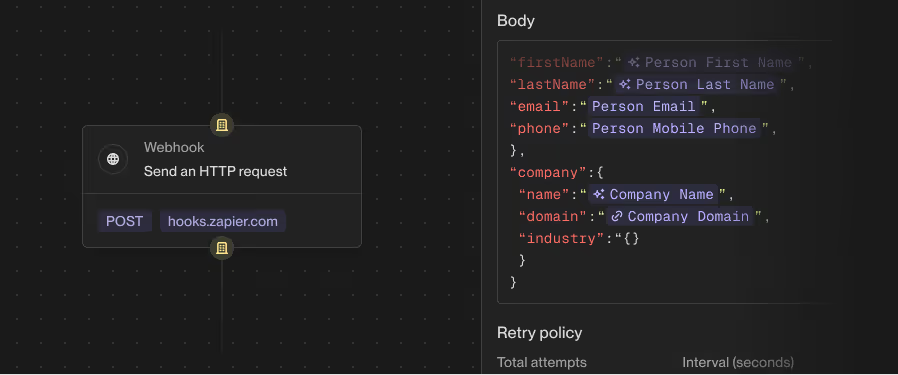
Webhooks in Plays
Automatically get your intent data where you need it with the ability to push prospect and company data to any tool in your stack with a Webhook Actions. You can now send data to tools like n8n, Zapier, dialers, LinkedIn & marketing automation tools, and more from a signal-triggered play. No CSV exports or CRM workarounds.
Revamped Filter Builder
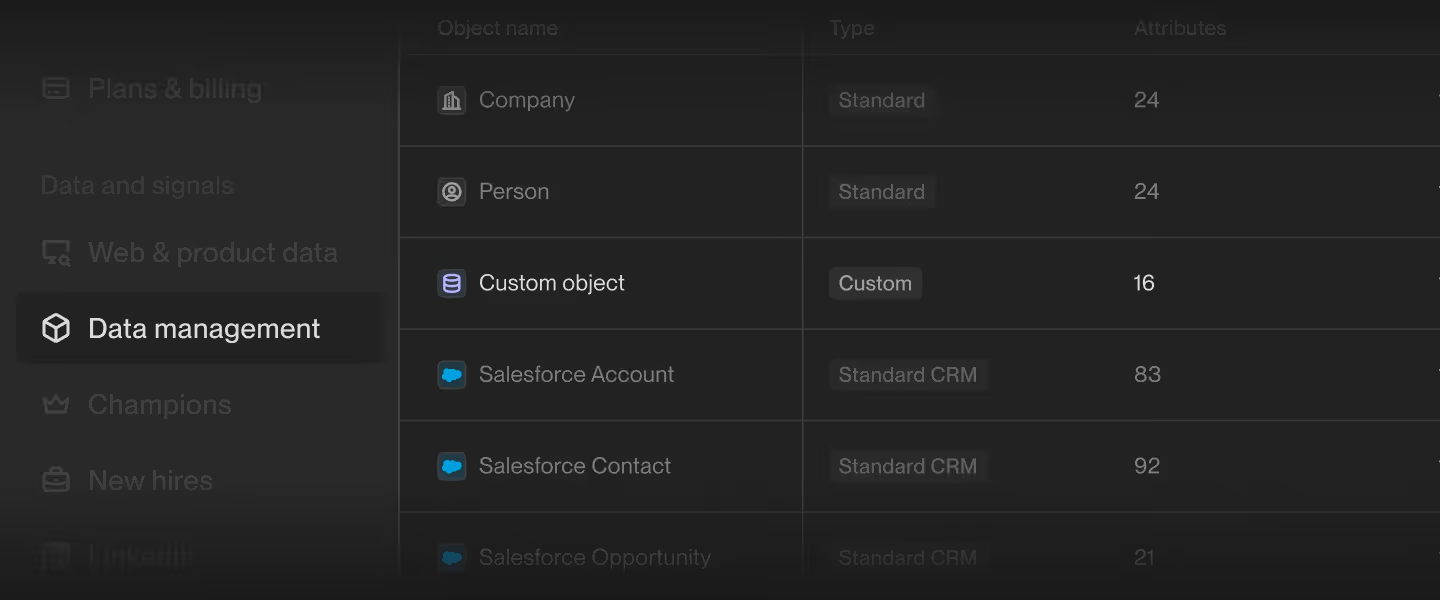
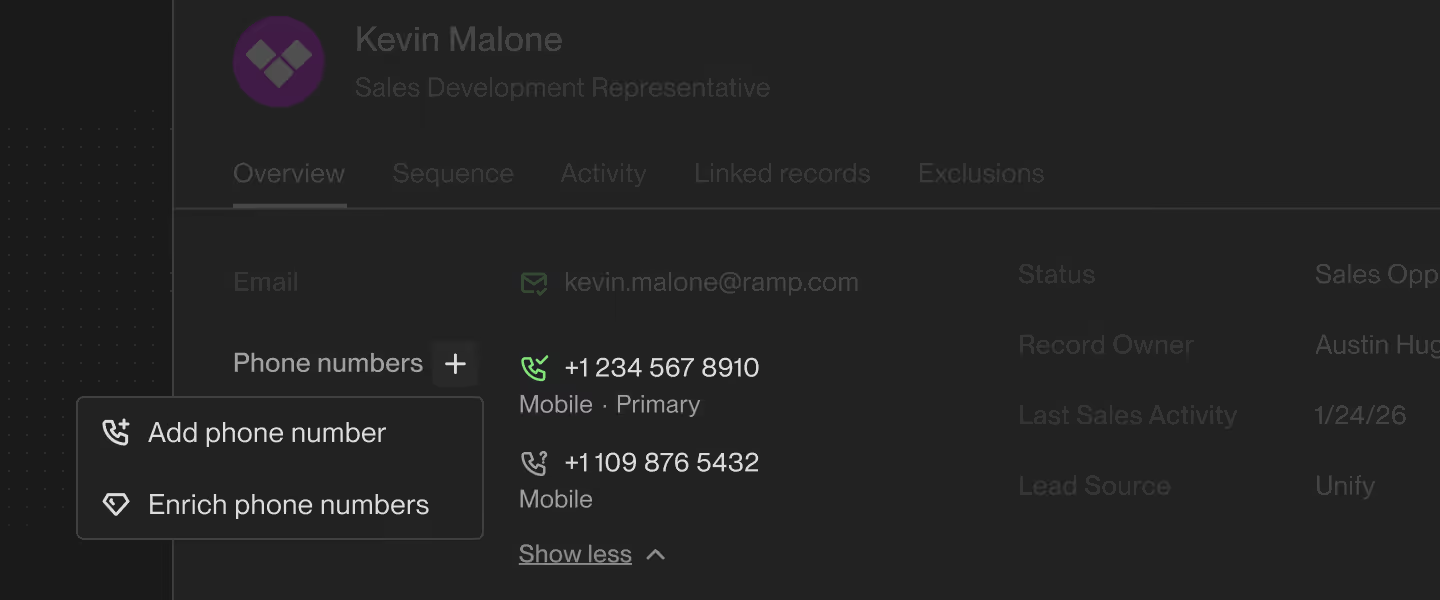
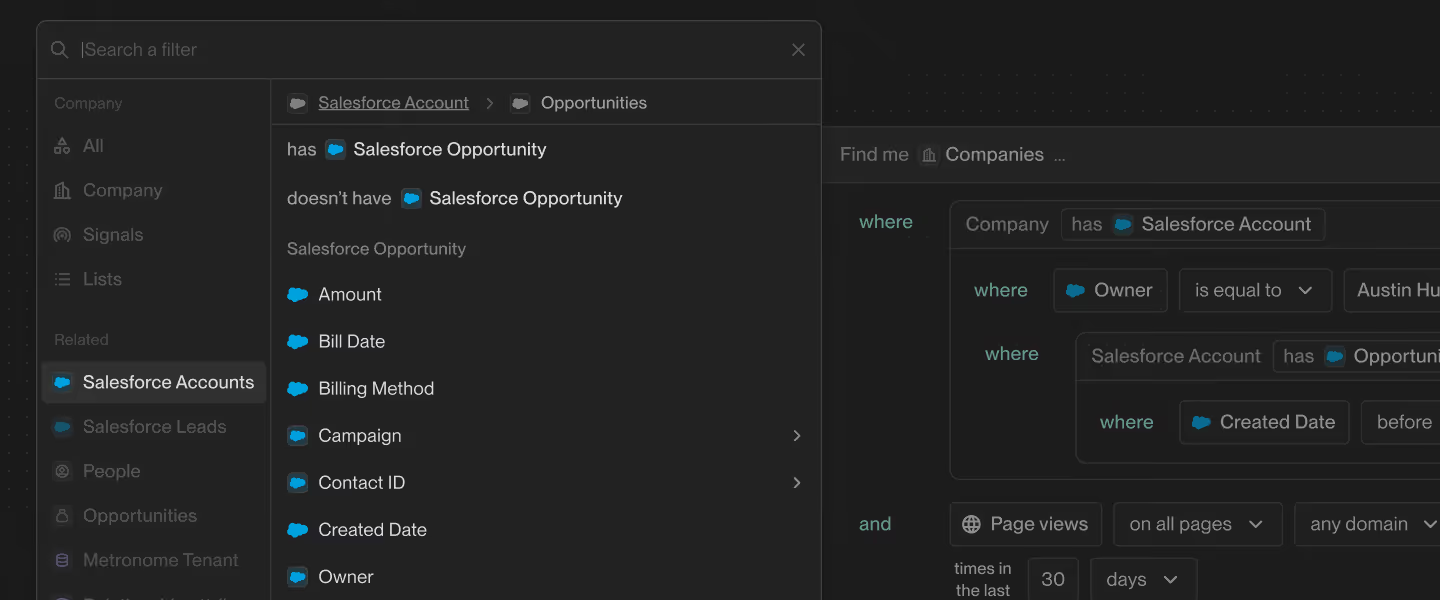
Target the right Companies and People using more of your data, beyond the standard out-of-the-box fields. Our revamped filter builder unlocks deeper, richer data so you can build sharper Audiences, cleaner Lists, and more focused Plays.
Get more precise with your targeting and drive better results with the full power of your data.
Out-of-office reply management
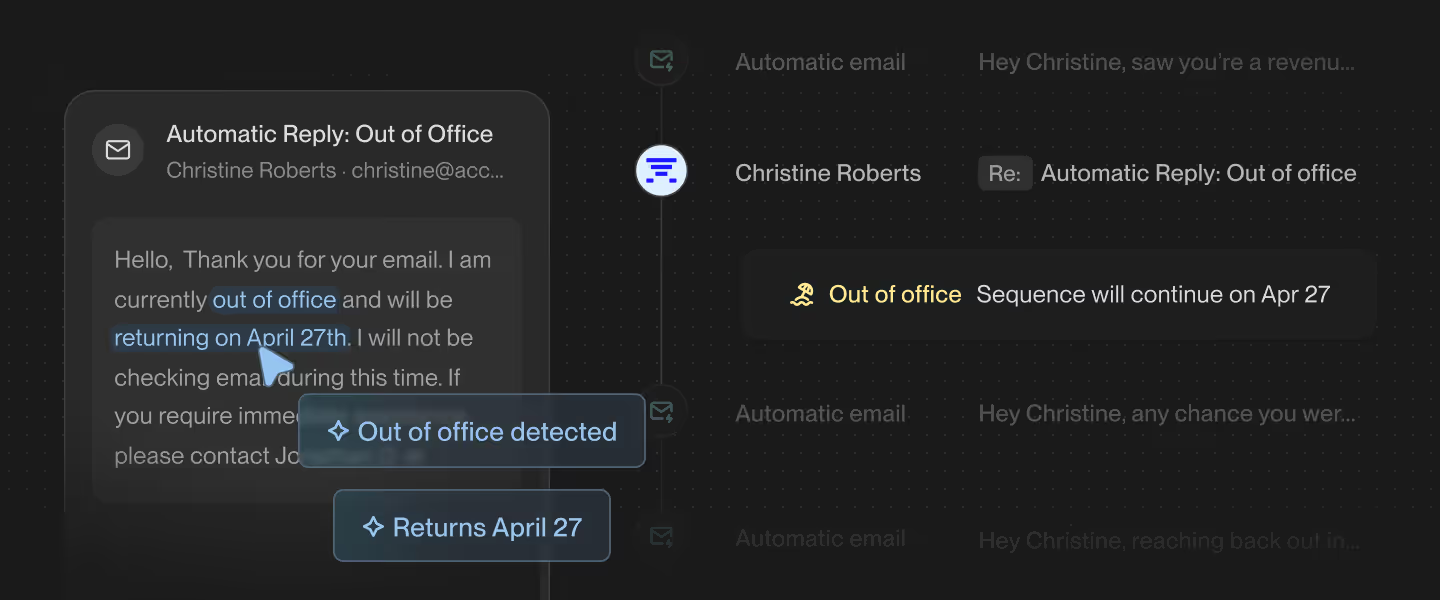
Stop missing opportunities to out-of-office replies with automatic OOO detection that pauses sequences and resumes outreach on the prospect's return date, no manual re-enrollment needed. Unify classifies incoming replies, removes OOO from your reply metrics, and picks the sequence back up exactly where it left off. No setup required.
PostHog Integration for Product Signals
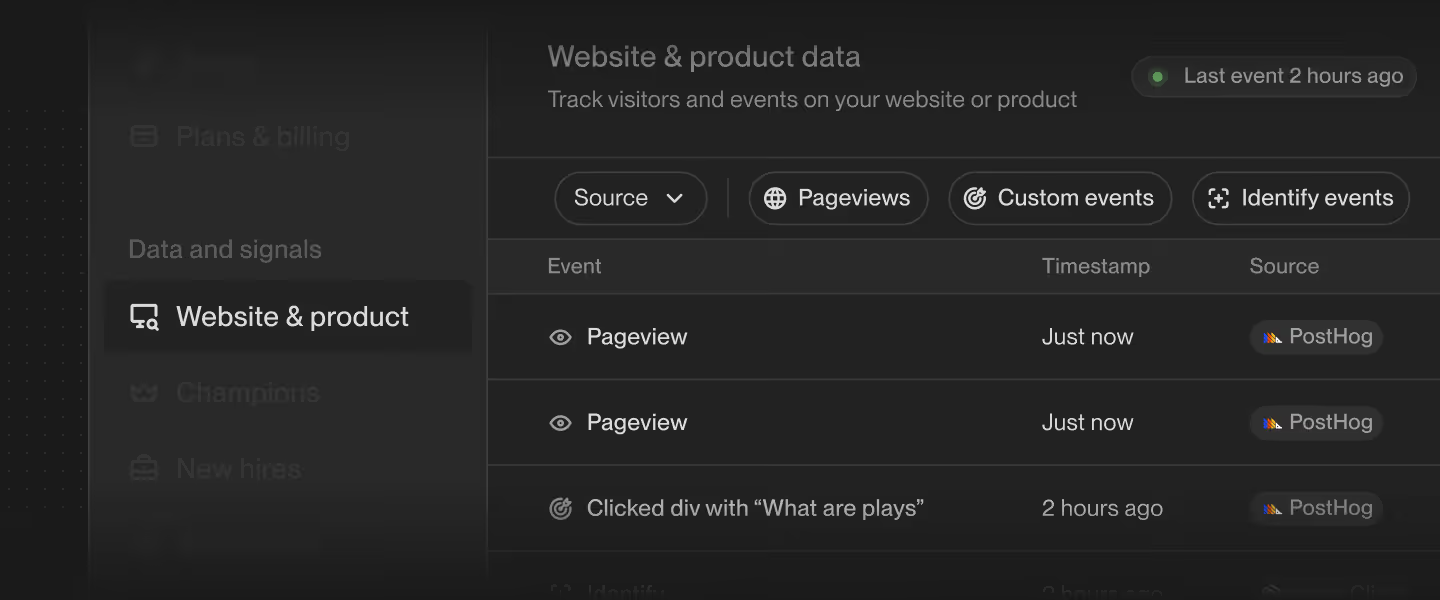
Run product-led outbound in real time with Unify's native PostHog integration, allowing you to automate action the second a key moment hits in your product. Whether it's a usage limit hit, a teammate invite, or an plan upgrade flow start, Unify lets you build Plays and create Audiences for key product behaviors, ensuring your warmest accounts don't fall through the cracks.
Product signals are also supported through Segment and Unify Intent Client (JS and React only).
Notes
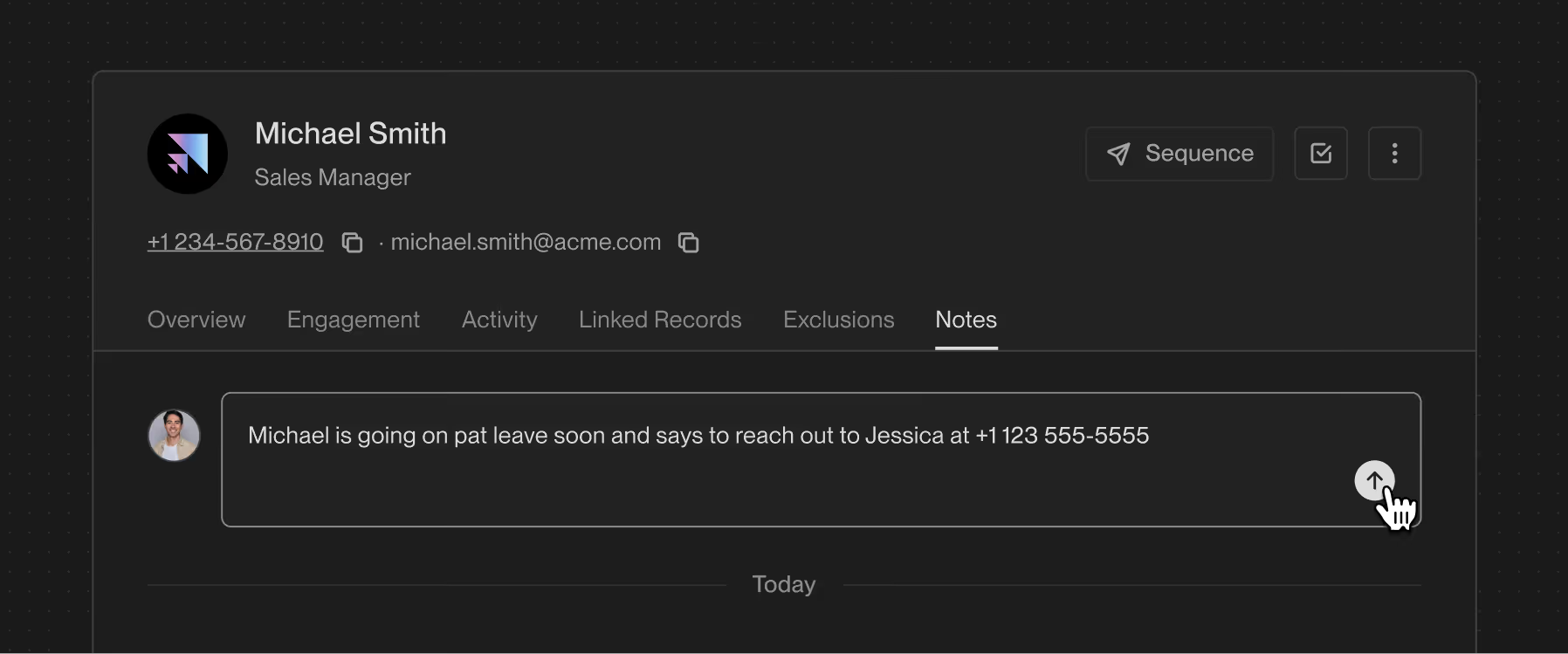
Keep your whole team aligned on every account with built-in notes on Company and Person records that capture context right where reps are already working. Create rich-text notes that autosave as you type, then publish them for your entire team to see in a shared feed at Person & Company-level. Now reps walk into every call prepared, and teammates pick up accounts without starting from zero.
Sequence rulesets
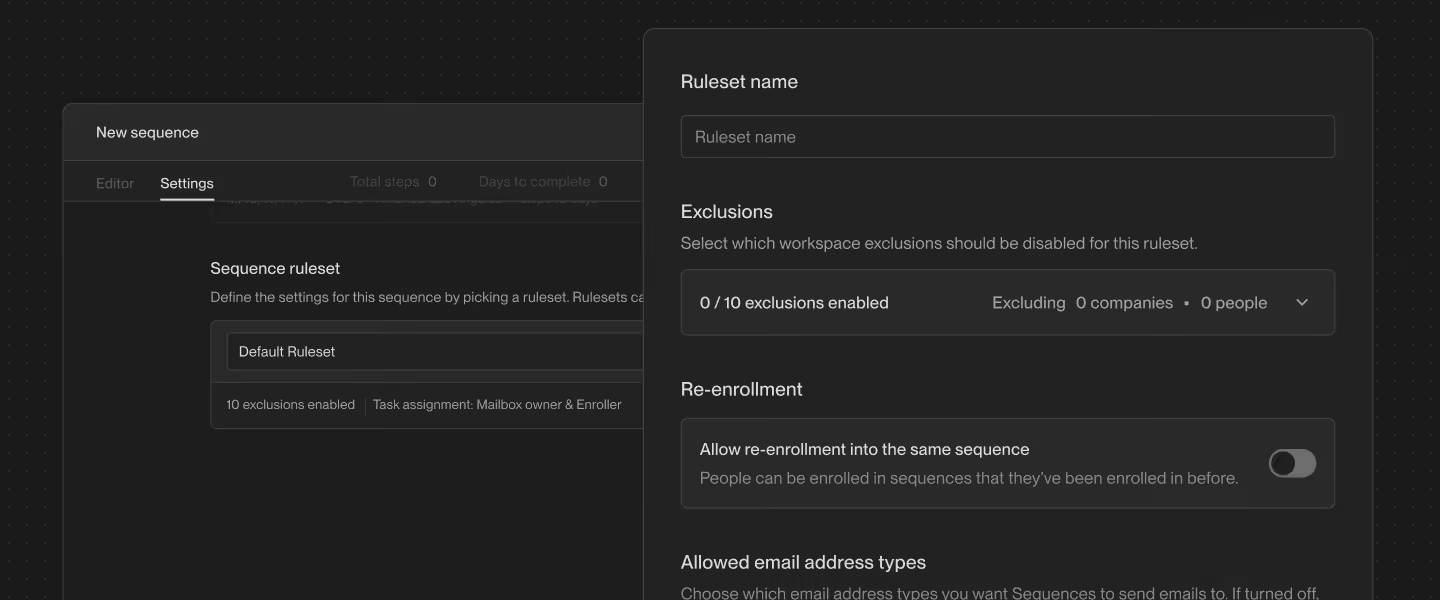
Run targeted outbound to any audience with Sequence Rulesets that give teams precise audience controls while protecting global guardrails. These reusable rulesets standardize exclusions, eligibility, and behavior across sequences, allowing GTM teams to run targeted outbound to specific audiences across prospects, customers, PLG users, and open opportunities without added risk.
Smarter table execution
Execute smarter table workflows with the ability to take action on all rows across Unify.
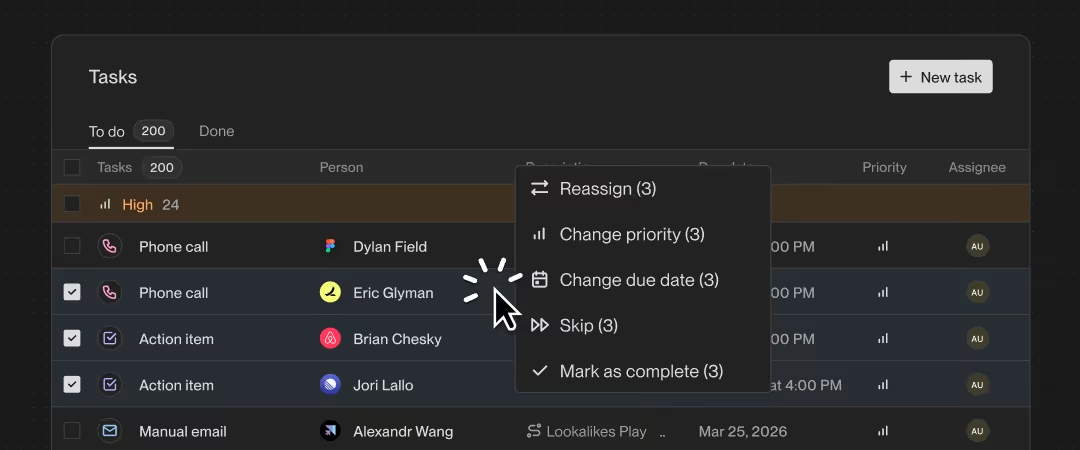
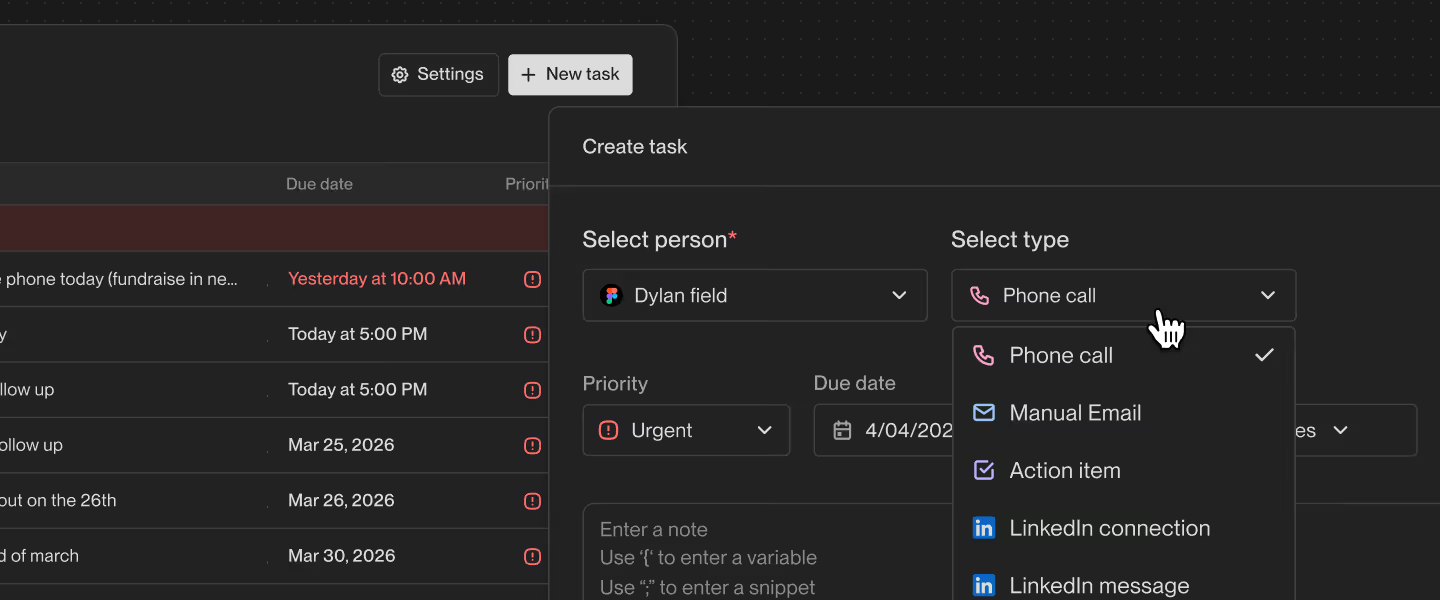
- Table Multi-Select: Use Shift + Click to select a continuous block of rows or Cmd + Click to select multiple individual rows so you can take precise bulk action across tasks, lists, enrollments, and mailboxes in seconds
- Right-Click Context Menus: Right-click any table row to instantly access context-aware actions like add to sequence, create task, send email, unenroll, and more without extra clicks
Introducing Lists
Build, manage, and take action on groups of accounts and people in one place with Lists. From building your way, whether from scratch, via CSV upload, filters, or plays, to managing records from anywhere, enrolling prospects into sequences, and organizing and auditing activity, Lists make it easy for sellers to take control of their prospects in Unify.
.avif)
Real-time Email Notifications
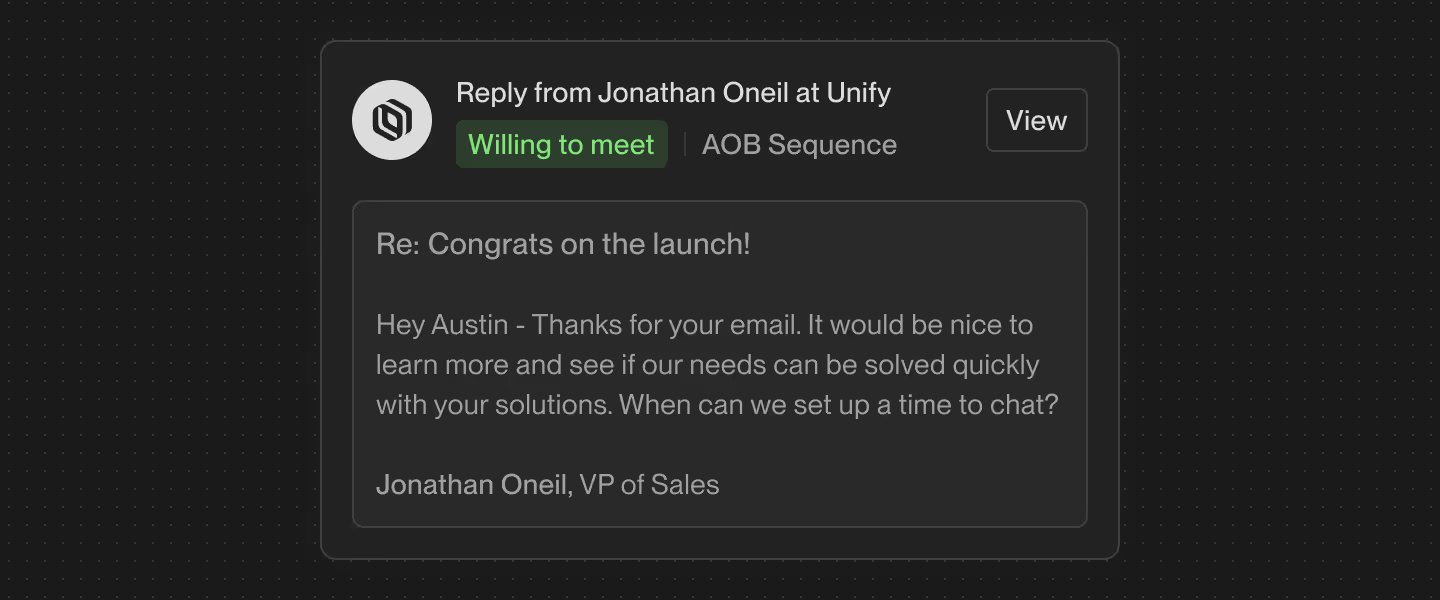
Keep every seller on top of their work with email notifications for prospect replies and open tasks that highlight what needs attention right now. You can now configure who receives which updates (by task or reply type), and choose the channels they appear in (in-app, email, or Slack) to keep your team perfectly in sync.

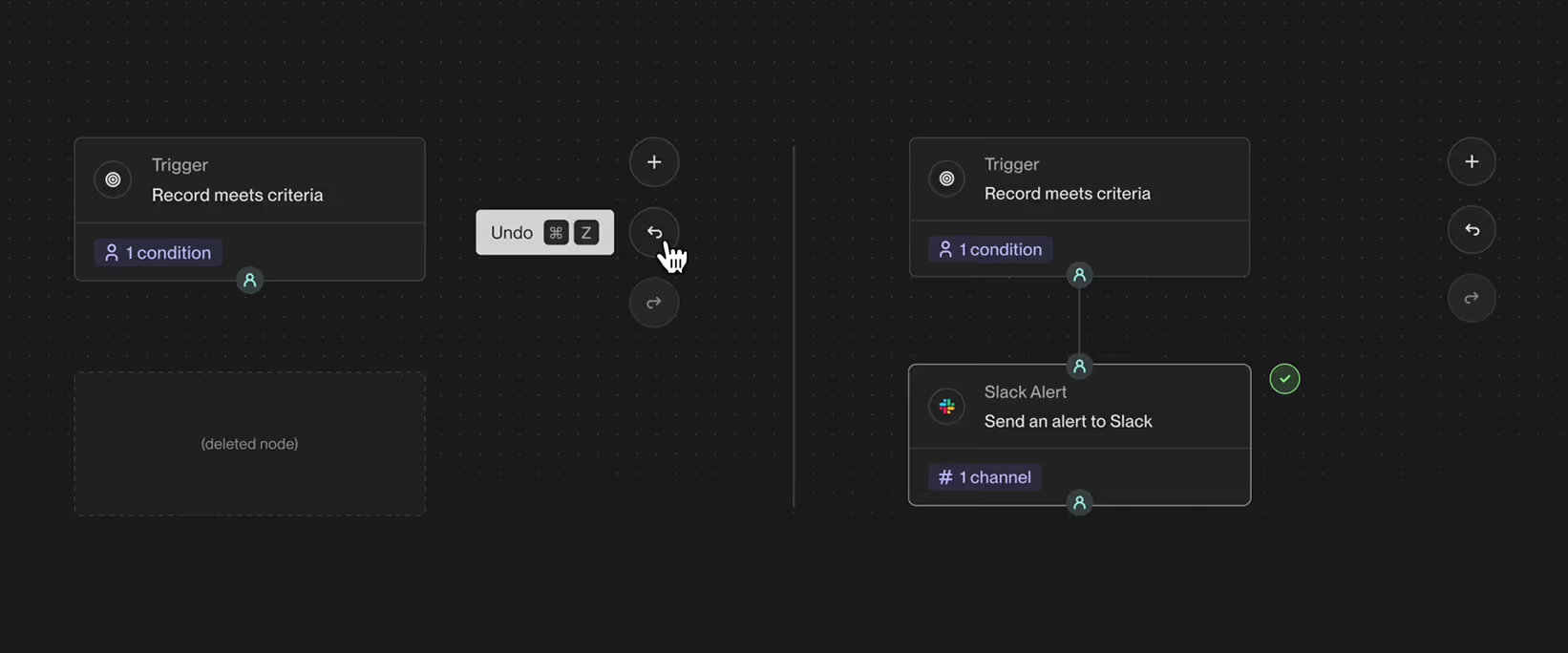
Get notified of prospect replies and tasks in real-time
You can now stay on top of important updates with real-time notifications! Get an alert right away when a prospect replies positively, and stay on top of tasks, updates, as well as items to address.
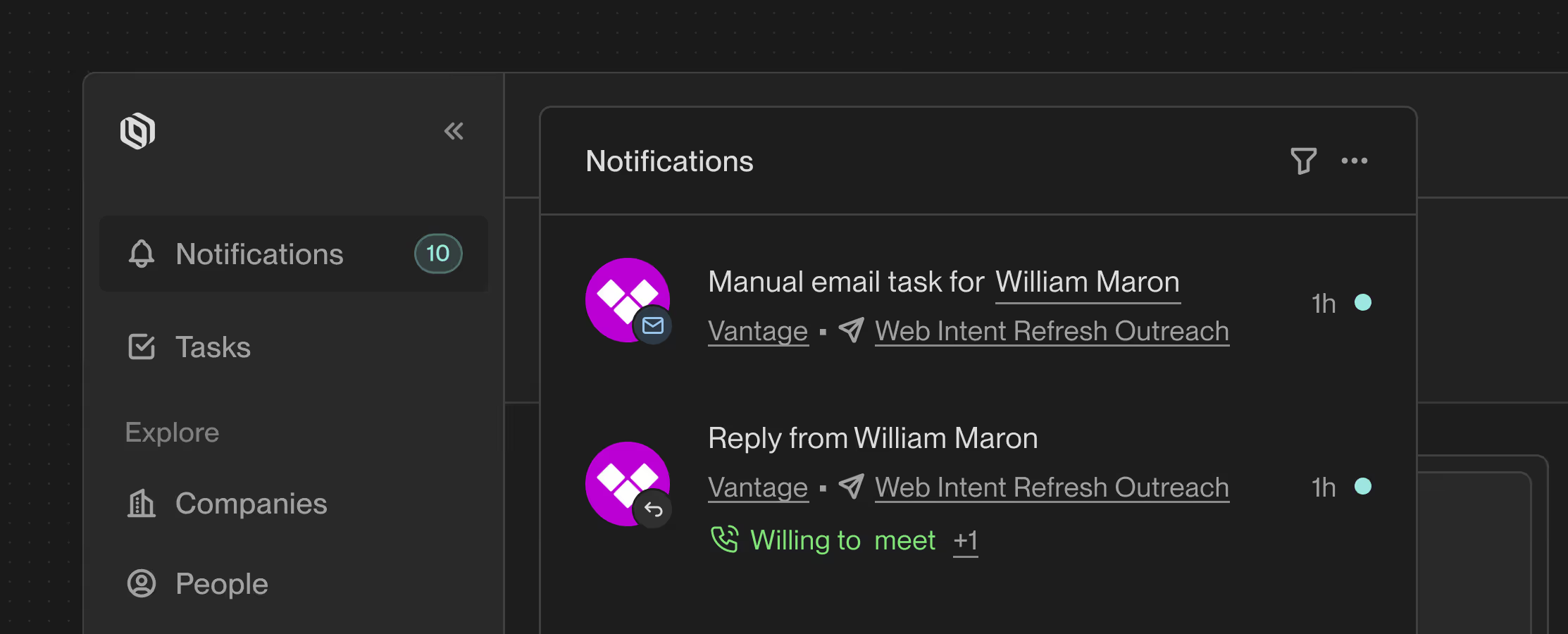
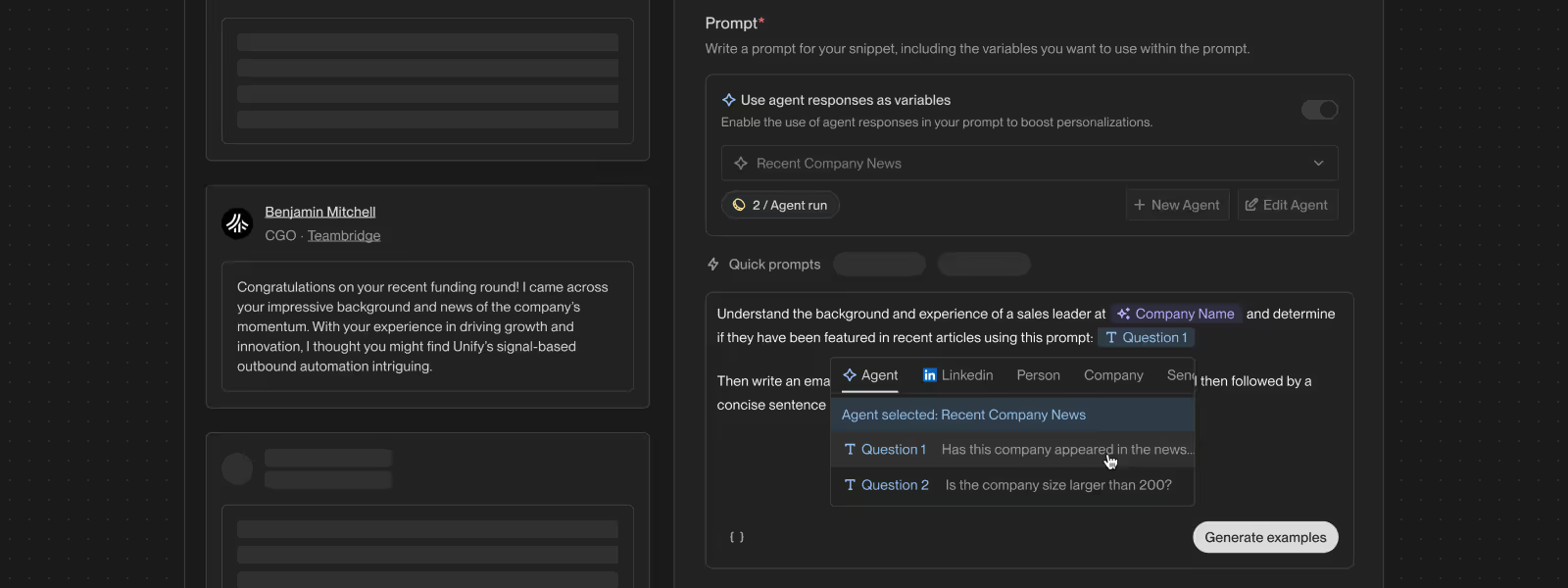
Custom AI Research Insights
Equip your team with instant, account-specific intelligence by creating custom AI research prompts that are tailor-made for your business. Try creating your own observations in the AI Settings page.



Find lookalike companies in Plays
You can now discover and target companies that closely resemble your best customers using the new "Find lookalike companies" trigger, powered by Ocean.io. Set your seed companies set a relevance score, and instantly prospect for high quality lookalikes. Get started in the Play builder today.

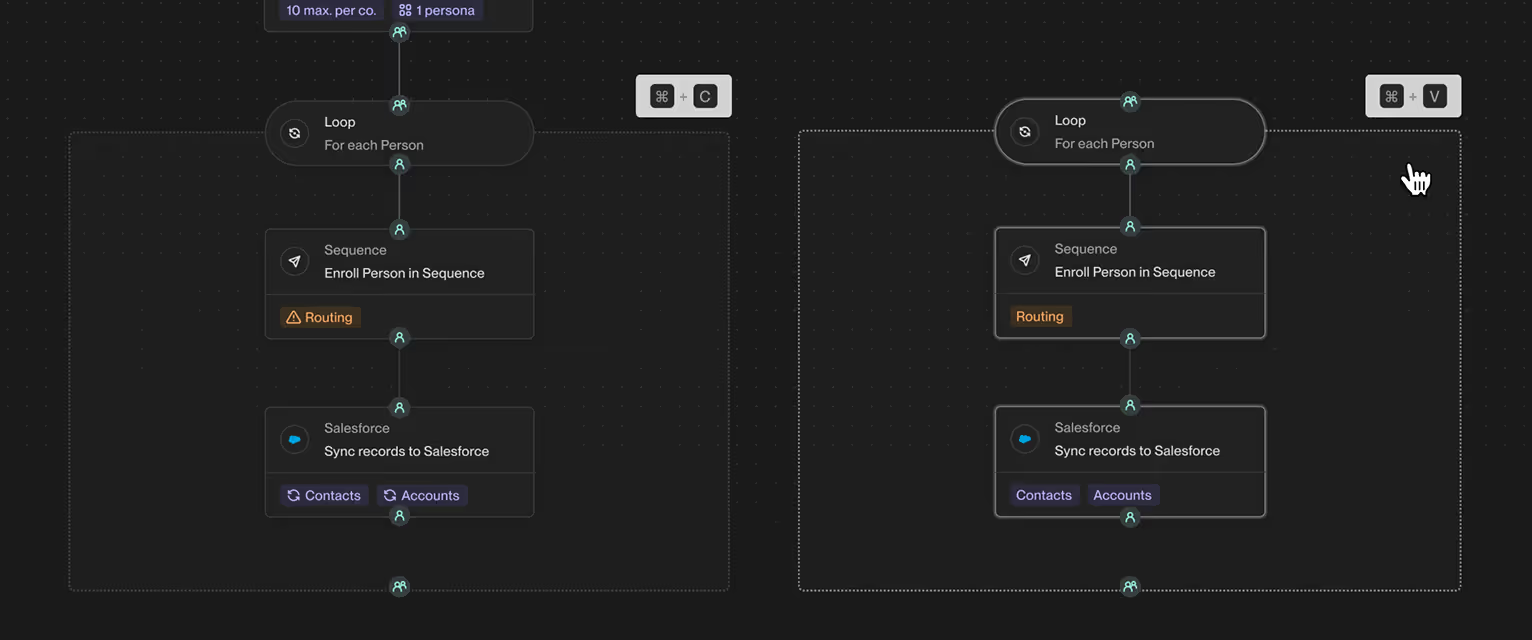
Copy and Paste nodes in Plays
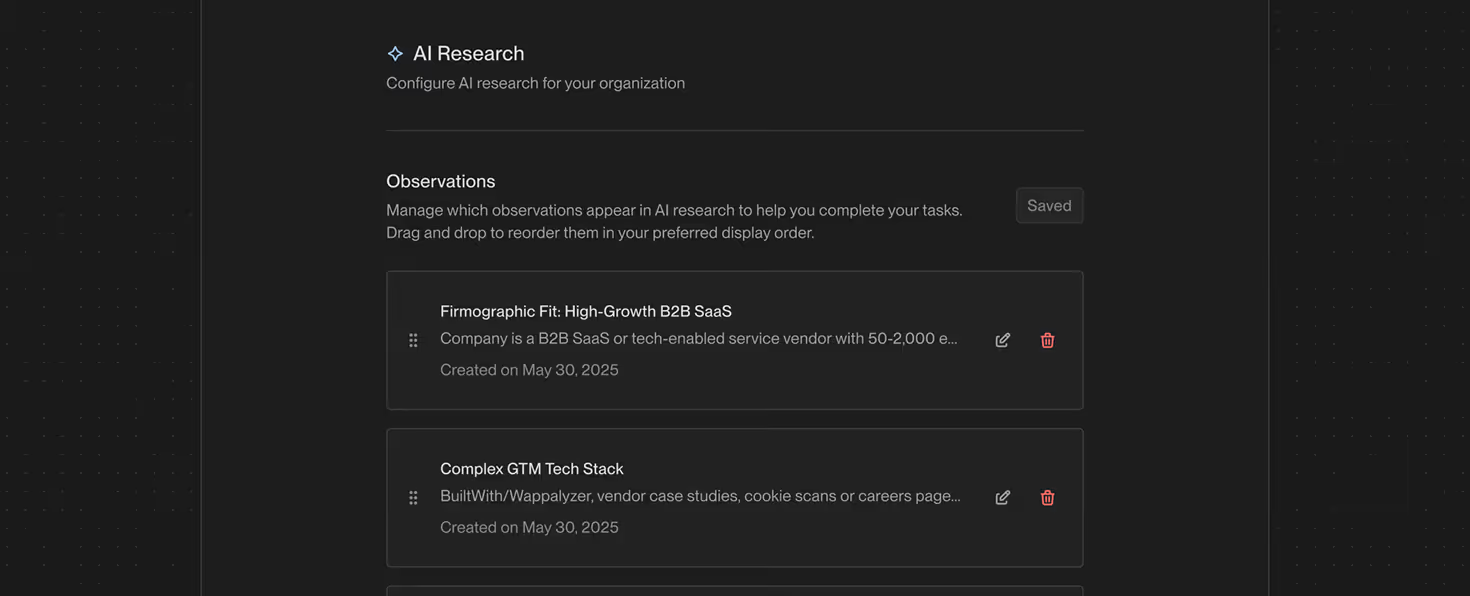
You can now copy and paste your nodes in Plays! Instantly duplicate nodes instead of rebuilding them to save time and reduce errors. You can also copy nodes across different Plays, making it effortless to reuse successful workflows and launch new Plays in a fraction of the time.
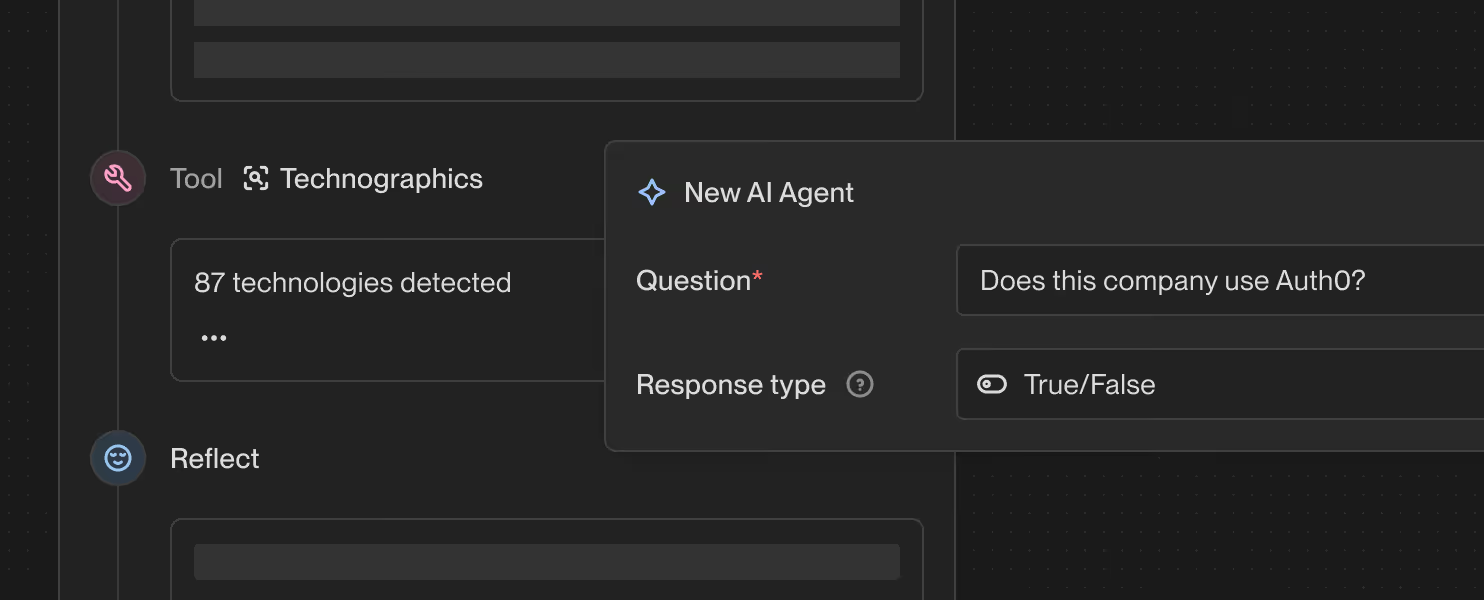
Run AI research on any company, powered by GPT-5
Generate Al research reports on any record. Unify uses GPT-5 to surface the most relevant company insights based on your business. To use this feature, simply click "Run Al Research" on any Company or Person page.

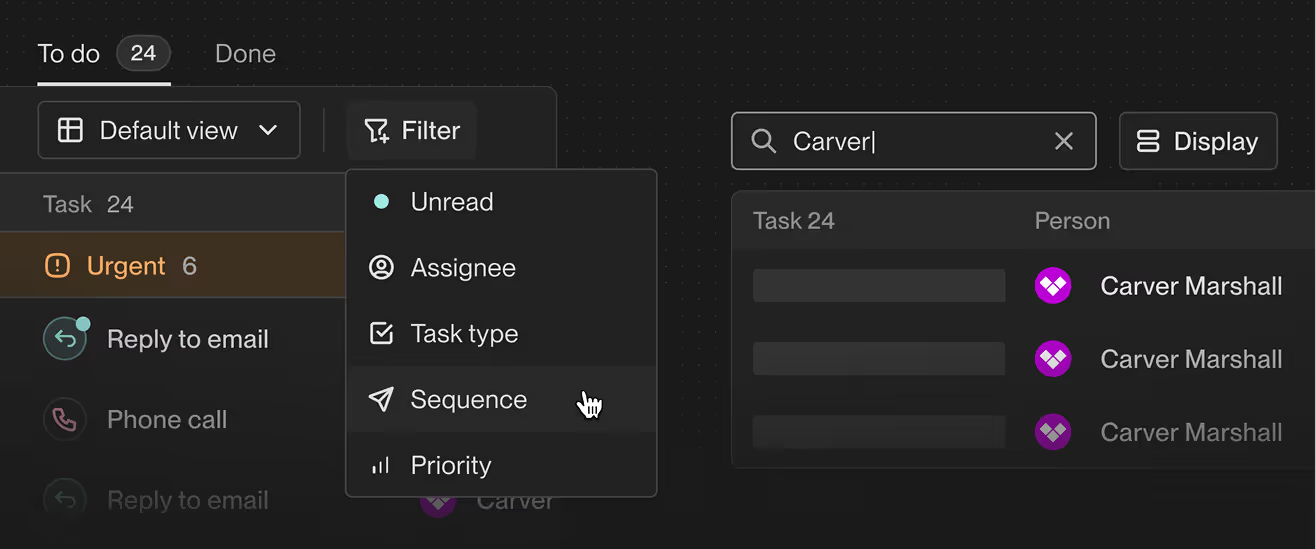
New Ways to Search, Sort, and Customize Your Tasks
You and your reps on Unify now have more control over how task dashboards are organized:
- Search across tasks: Look up people, companies, or sequences directly from your dashboard
- Flexible task organization: Group and sort tasks by assignee or created date to match how your team works.
- Cleaner workspace: Choose which task elements to show or hide and customize your dashboard to fit how you work.
All these changes make it easier to find specific prospects, manage assignments, and keep your dashboard uncluttered.
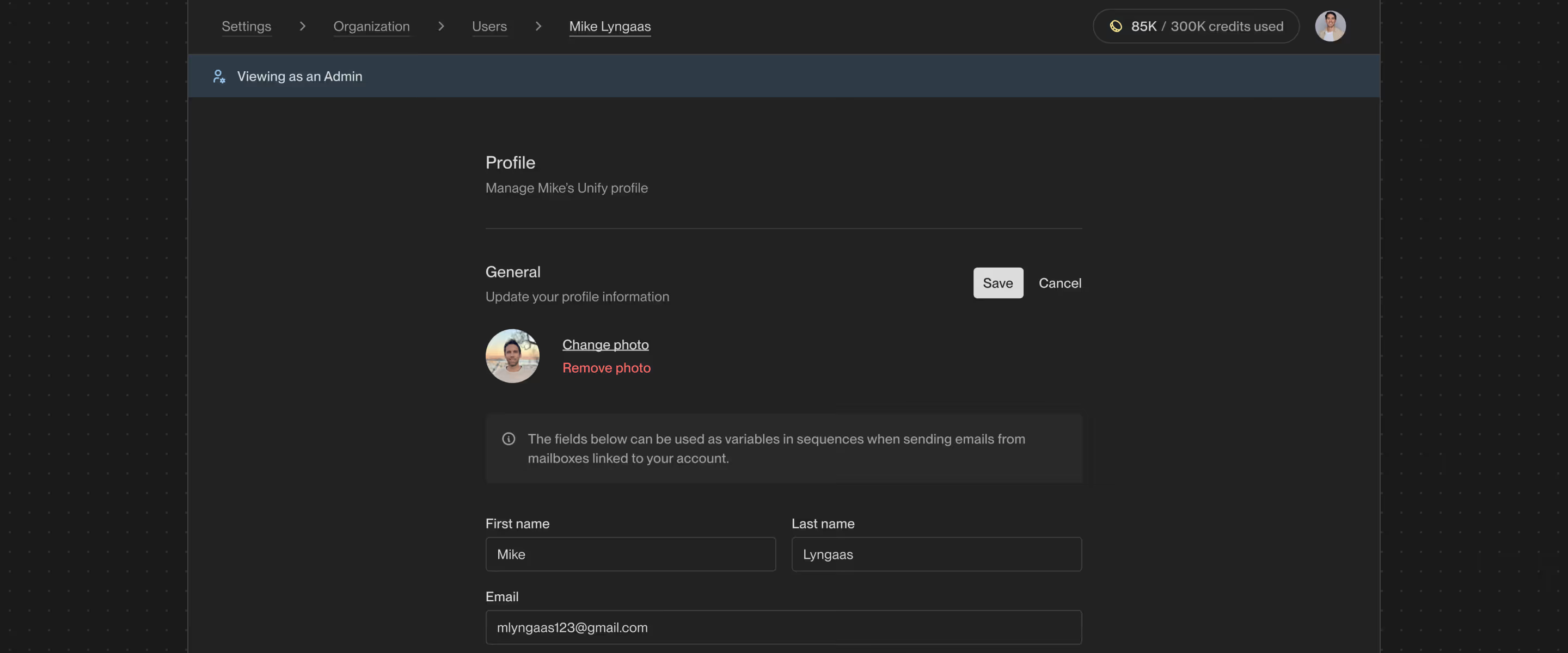
Update Profile & Email Signatures On Your Reps' Behalf
Admins on Unify can now update key contact information, booking links, and email inbox signatures on behalf of their Reps. This will save time orchestrating outbound on behalf of your team, and help ensure your messaging and branding is consistent across Reps.
To get started, simply navigate to Settings > Users, select the Rep's profile, and edit their information or email signatures.
Assign Record Owners in Plays
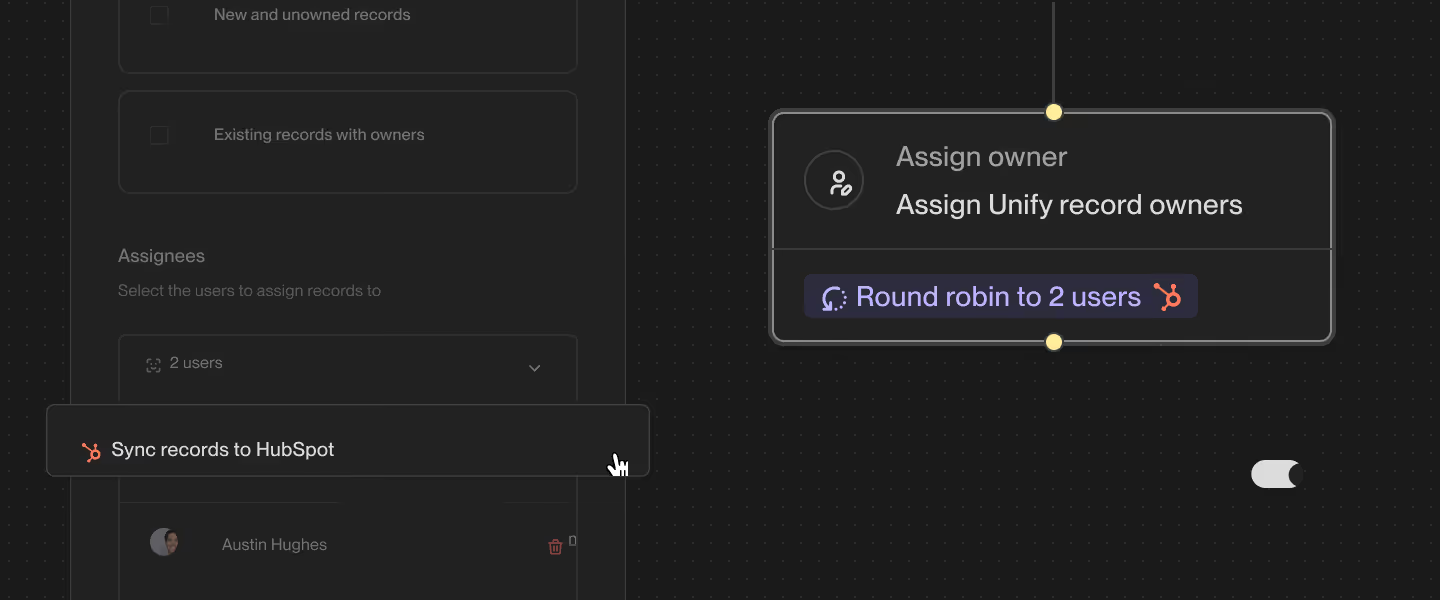
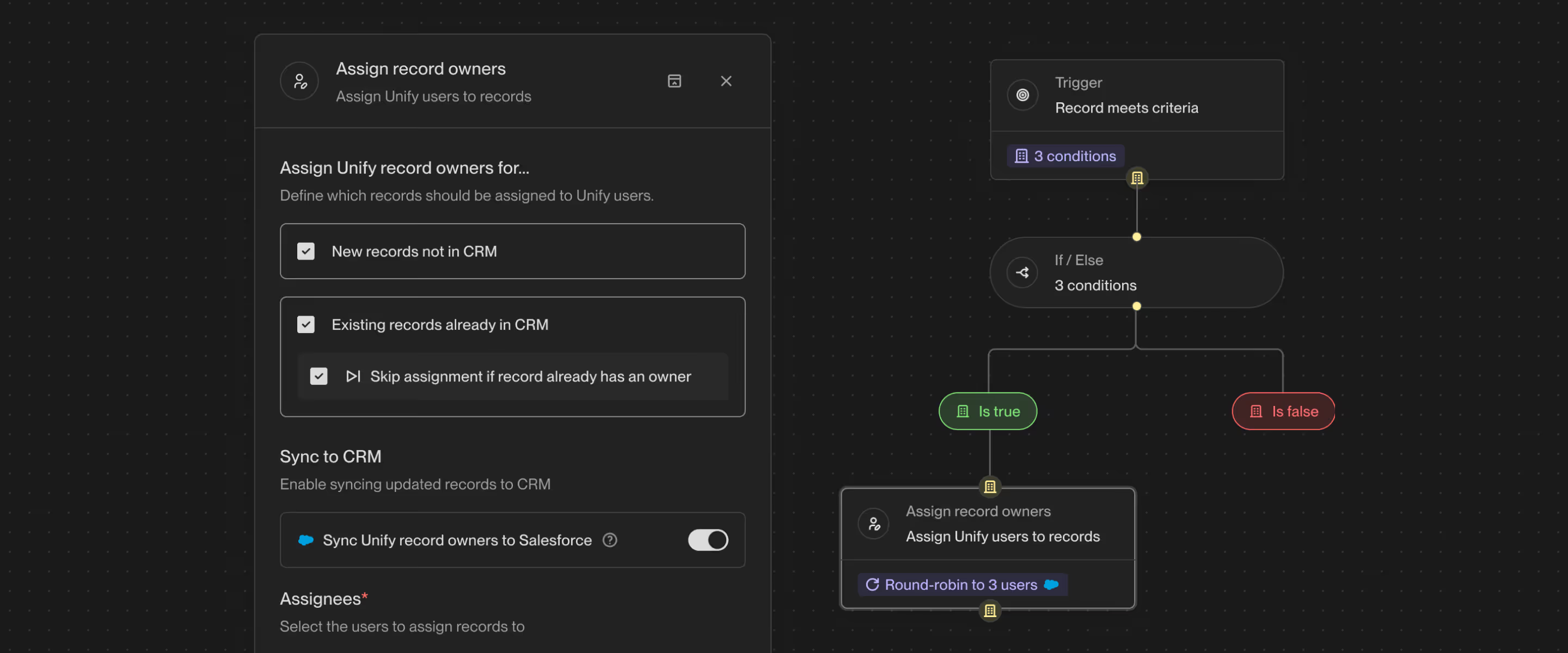
We’ve created a new Assign Owner node in the Play builder, which supports both Companies and People records. You can now choose whether to process only new/unowned records, currently existing records, or both. Assignments can also be directed to a single user or be sent via round-robin across multiple users.
Record owner information can also be synced back to Salesforce (HubSpot support planned for the future). Combined with our new record owner mailbox routing feature, the Assign Owner node unlocks advanced ownership & engagement flows within Plays. Try it out for yourself today!
Introducing: Unify for Sales Reps
We’re excited to announce Unify for Sales Reps, a suite of four AI-powered features for sellers to work with their Growth teams directly in Unify.
- AI Research - Leverage an AI assistant that gathers relevant data, news mentions, CRM history and more on your prospects that then synthesizes it all into a tidy report for you and your reps. Stay informed on all your top quality leads in real time.
- Tasks Dashboard - A centralized command center for all outbound tasks; prioritized and configured so that reps can focus on taking action while managers monitor go-to-market activity from a 10,000-foot view. Now with a unified inbox built in, making it easy to quickly collaborate on prospect replies.
- Manual Email and Call steps - Layer human-triggered emails, phone calls, and more into automated-multi-step sequences that can be assigned individually across your reps.
Check out our launch blog post to learn more!
Record Owner Mailbox Routing
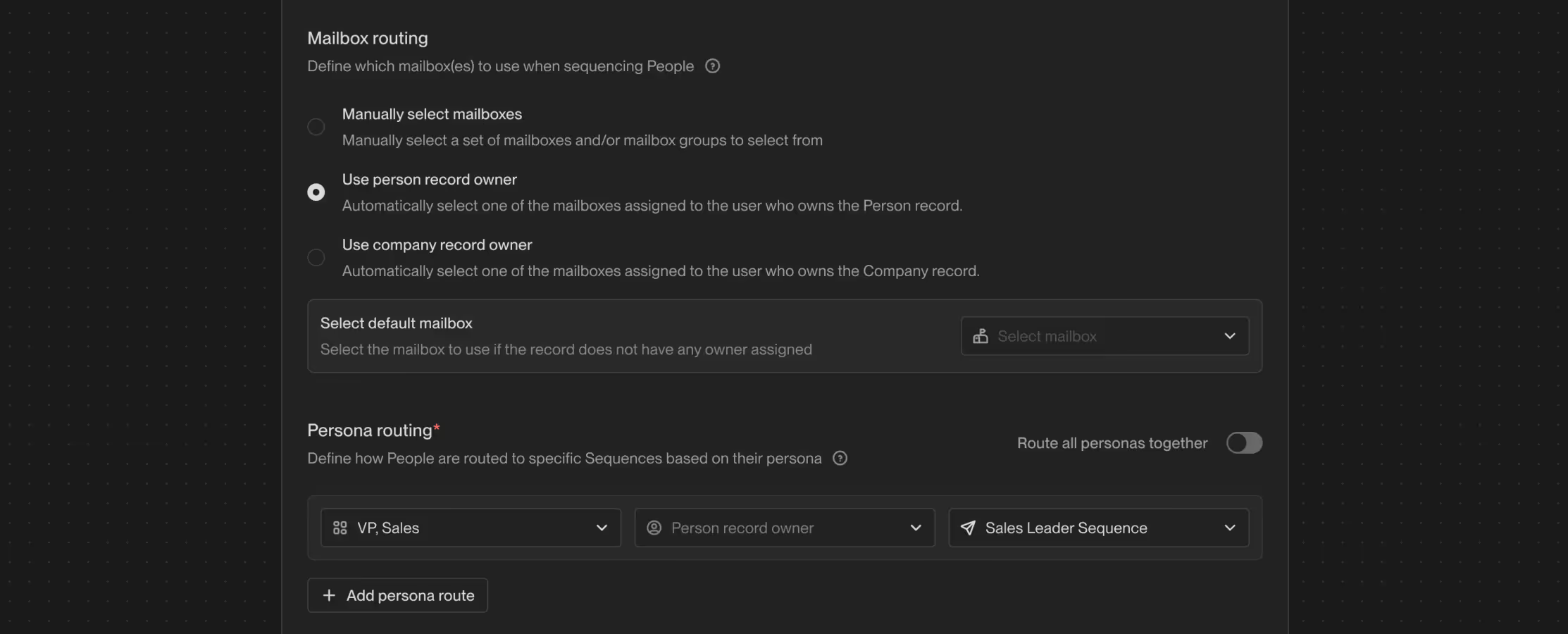
Unify now has a new Mailbox routing section in the Sequence enrollment node in Plays! This will allow you to sequence emails from the CRM record owner’s mailbox. You can also specify fallback mailboxes when Unify is not able to find a record owner.
Selections now include:
- Manually select mailboxes (same as before)
- Use Person record owner (🎉 new)
- Use Company record owner (🎉 new)
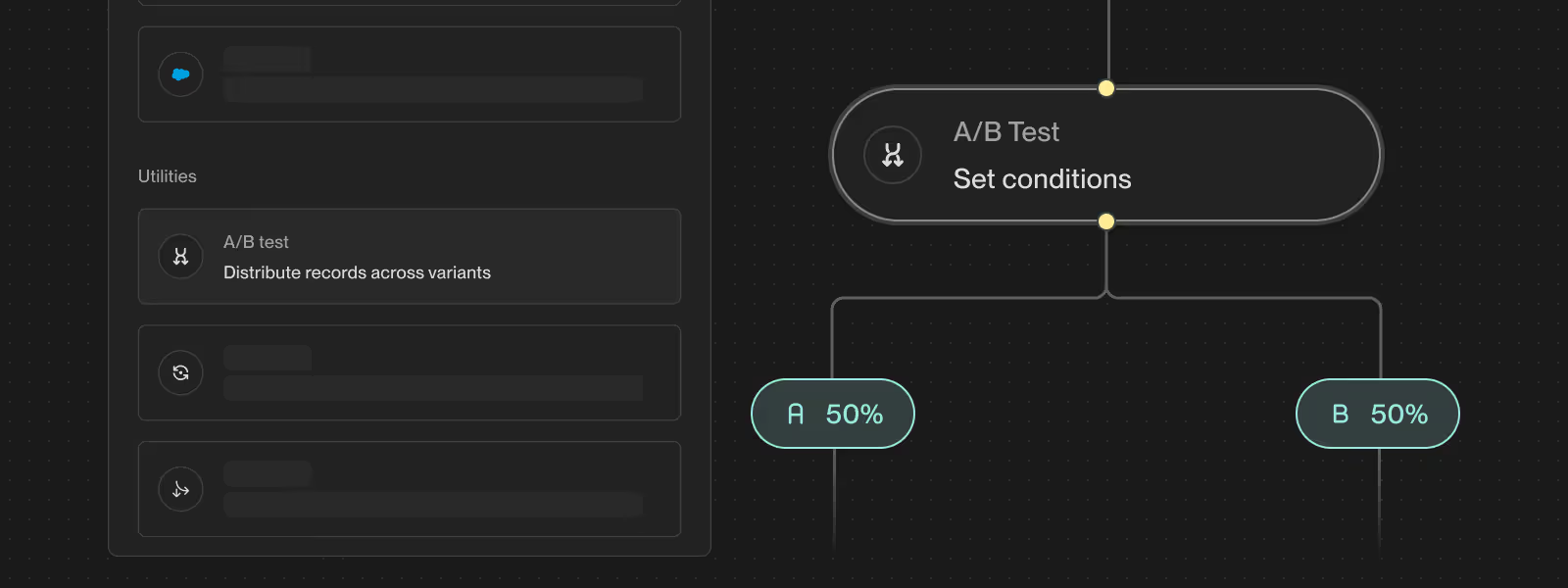
A/B Test Node in Plays
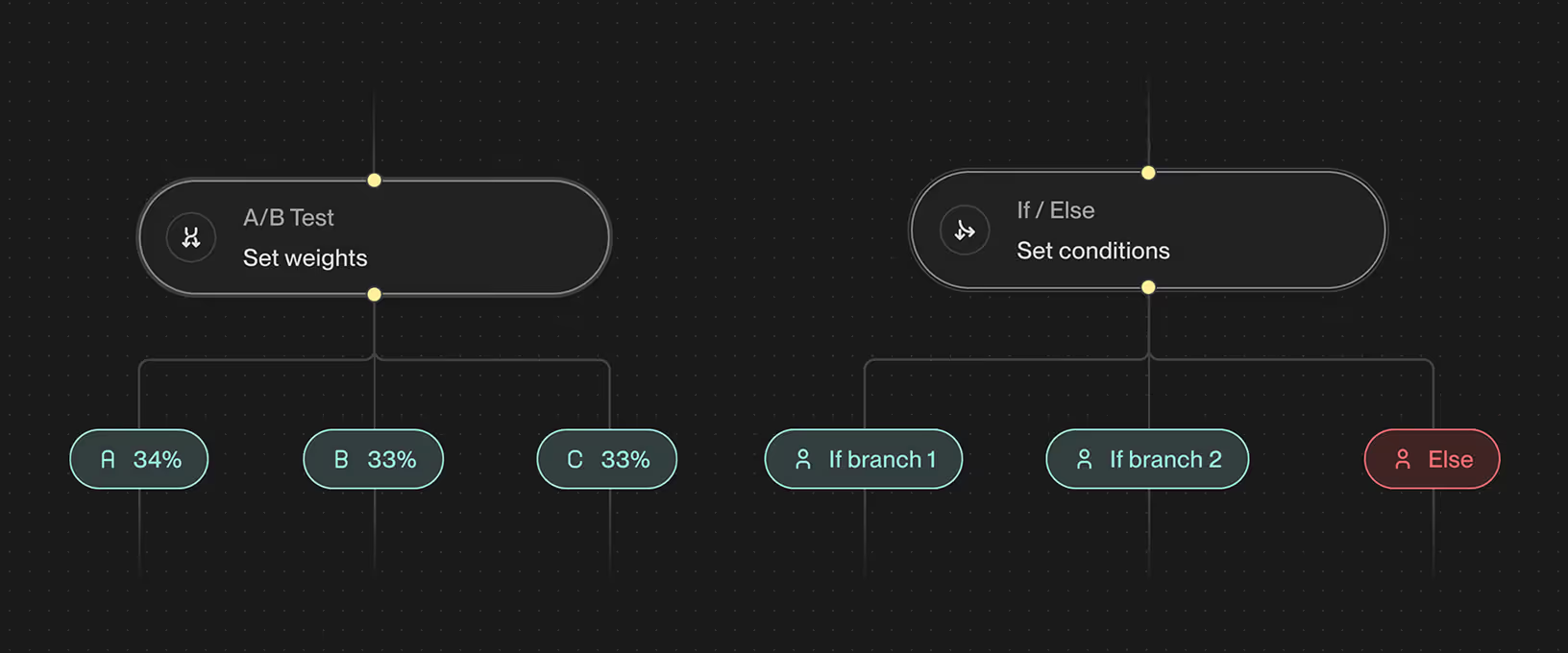
You can now randomly route records through different paths in Plays using the A/B Test utility node. Simply drag and drop the node into your flow and define the distribution across variants.