Bringing the Unify agent to Claude and ChatGPT



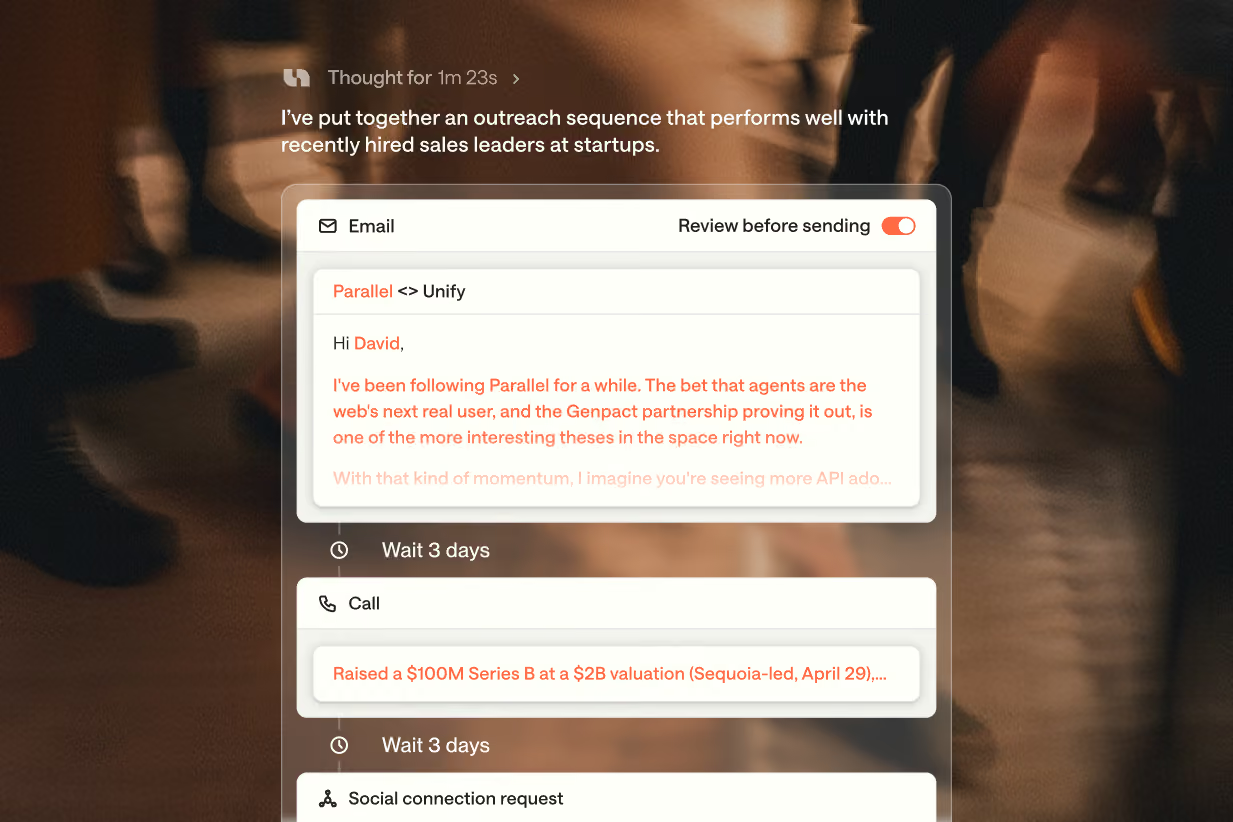
“Find prospects that fit my target market, enrich their contact details, and prepare a personalized outreach sequence for each of them.”
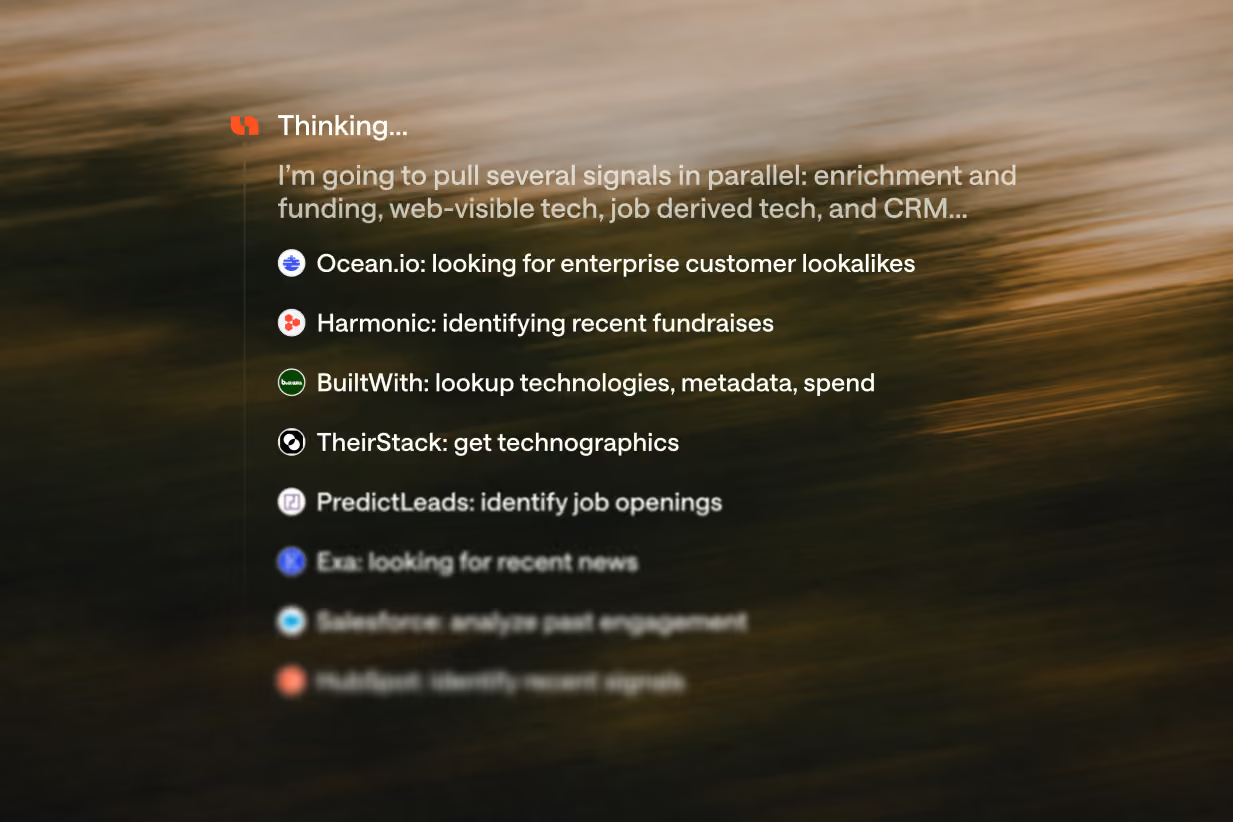
That’s a straightforward thing for a seller to ask Claude or ChatGPT. Behind that request is a lot of work: researching companies, finding the right people, and gathering their details across multiple data sources. Depending on the scope, it can take tens of minutes. Sometimes you need to ask a few more questions before you can even get started.
We already had the machinery to handle all that work in Unify. The challenge was bringing the whole workflow into a place like Claude so we are everywhere sellers are.
Our big agent-first relaunch in June gave us the foundation: we could let Claude or ChatGPT work directly with the Unify agent. In September 2026 we launched the plugins that made that possible.
Getting there presented some interesting challenges.
Built for research at market scale
A quick lookup and a task to find and enrich thousands of contacts are fundamentally different jobs. The latter involves researching companies, finding people who fit your criteria, and gathering their details across multiple data sources. Depending on the scope, that work can take tens of minutes.
We already had the machinery to handle that work in Unify. The challenge was giving the AI application a way to start it, check on it, and bring back the results.
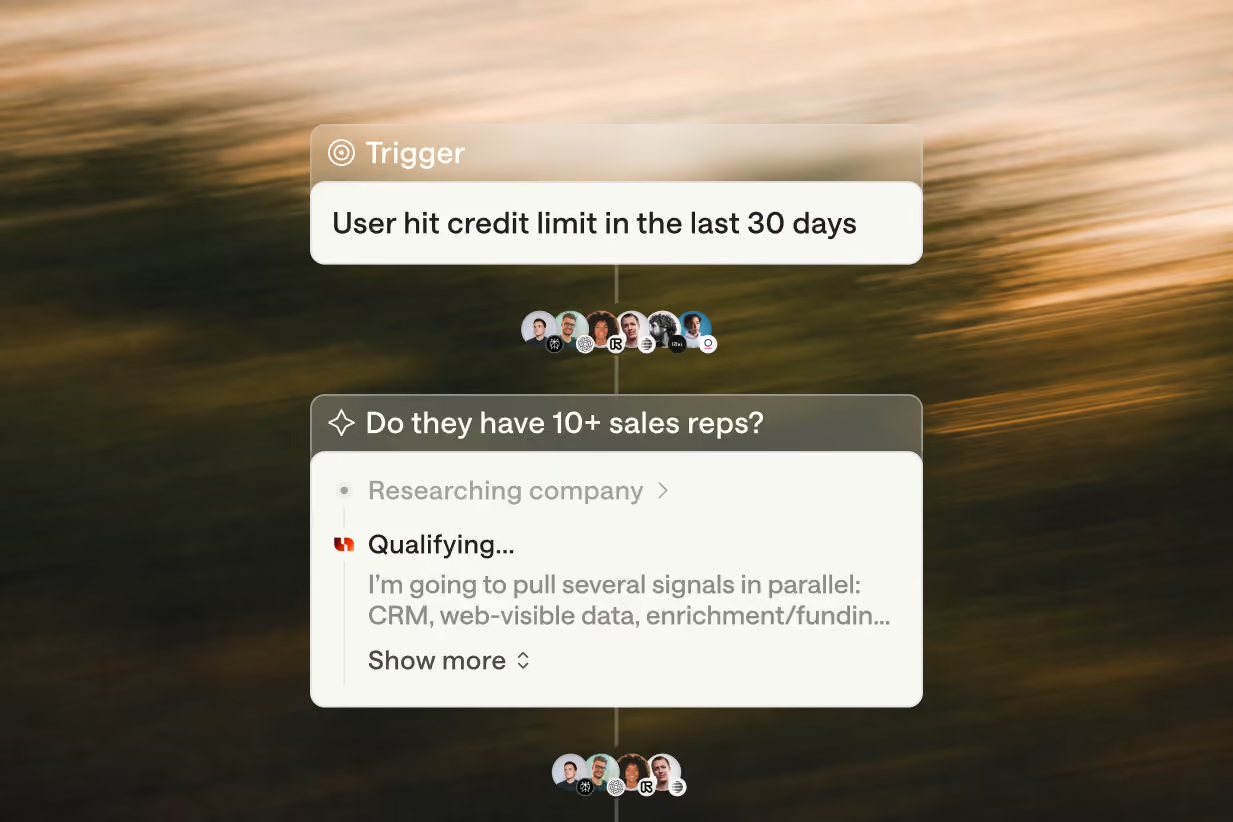
We opted for a simple polling system. Claude or ChatGPT acts as the client model and passes a prompt to the run_agent tool. That spins up a “headless” Unify agent session behind the scenes.
From there, the model uses a polling tool to check whether the agent needs input or has finished. It checks quickly at first and then slows down, giving longer workflows time to run.
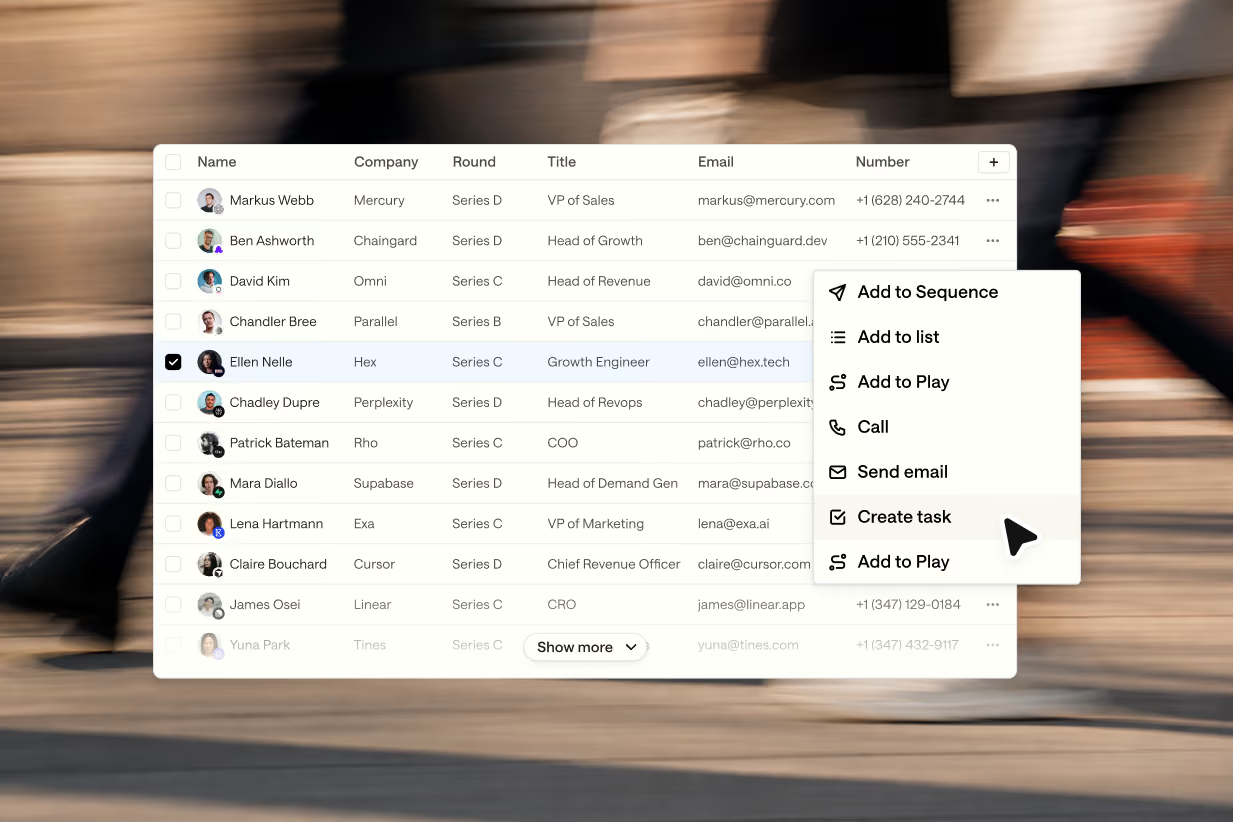
Once the work is complete, the model fetches the results and presents them in the conversation. Those results include a link to a Unify thread with additional context. The model can continue a back-and-forth within that same thread or start another one.
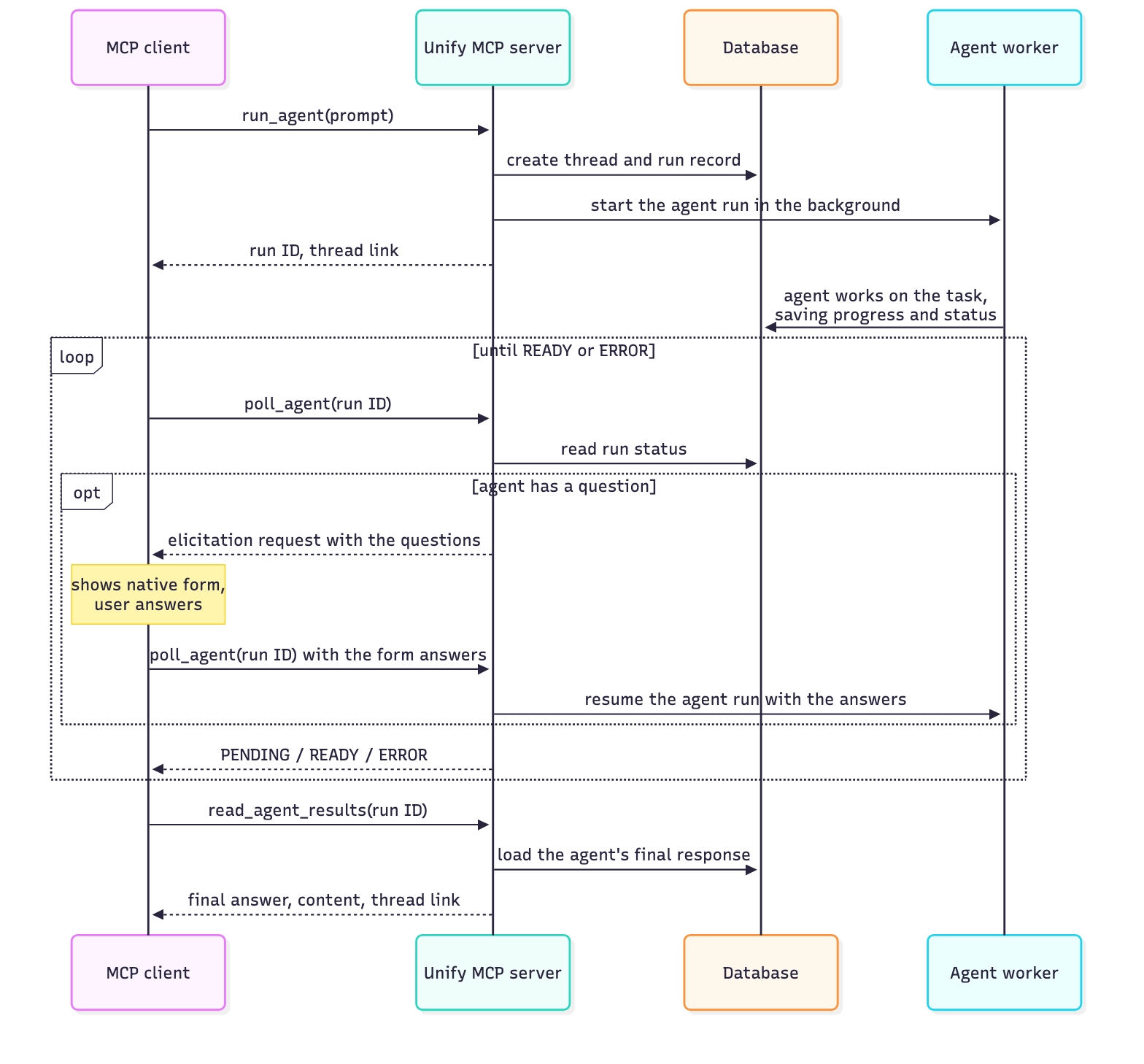
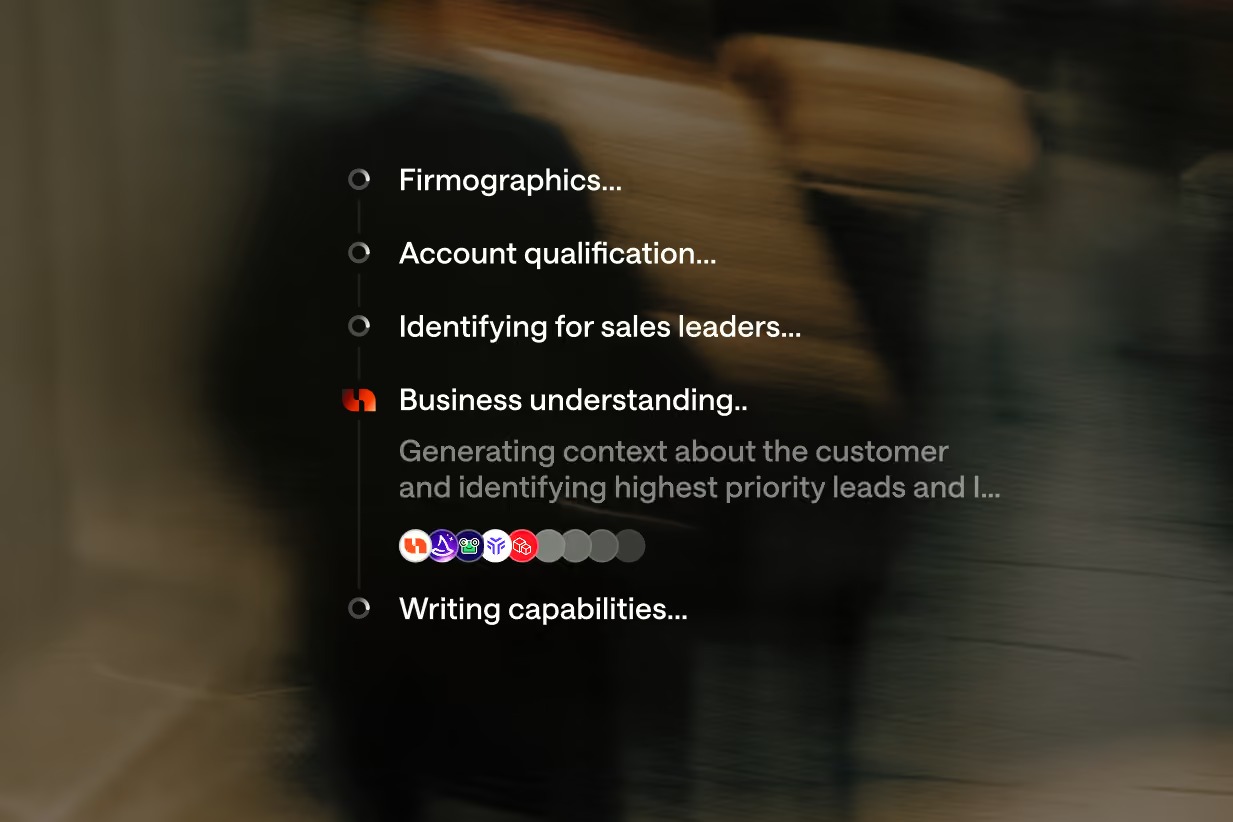
If the agent needs clarification, it can ask questions along the way. For example, it might need more detail about which companies belong in your target market before building the list.
.webp)
The result is a way to carry out a substantial prospecting or enrichment workflow from your AI application, with room to refine the request as you go.
Tools need context
Giving a model access to a tool is only part of the job. It also needs instructions for using the tools together. That’s the context we focused on: how to start work, check progress, handle questions, and bring back the results.
A tool’s name, description, and arguments have limited room to explain that whole workflow.
So we focused on skills: written instructions that teach the model how to work with Unify.
The bundled skills explain how to run the agent loop and use the tools together. They also give the model context for prospecting, enrichment, and outreach, so sellers and operators can run those tasks directly from their AI application.
If you’re connecting to the Unify MCP server directly through your own agent, make sure it has access to those skills too. They’re an important part of the experience.
Build on one unified agent
We built the plugins on the same Unify agent that powers the product. That existing foundation also supports our first requirement: keeping the plugin connected to the capabilities available in Unify.
As we improve that agent, we have a foundation for improving the plugin experience too. That helps us bring new capabilities into these workflows with less additional integration work.
We’ve received a lot of positive feedback on the Unify experience in Claude and ChatGPT so far, and we’re excited to share future improvements.
The Unify plugin is available for Claude and ChatGPT, and you can also connect your own agent. Follow the guide in our docs to get started.